
How to share a web page with a link, no coding required
You built a page — a report, a proposal, a one-off design — and need to send someone a link instead of a file attachment. Here's the no-code way to do it.
Updated 2026-08-30
Attachments are clunky to review. Different file formats render differently on different devices, and "just open the attached file" is a worse experience for the person on the other end than "click this link." If what you have is HTML, or something you can export to HTML, you can skip the attachment entirely and send a live link instead.
When this applies to you
You exported a design, report, or document as HTML from a tool that supports it. Or you wrote a simple page by hand, no framework, no build tools, just HTML and maybe some CSS. Or someone sent you an HTML file and asked you to "make it live" without explaining how.
None of these require knowing how servers work. If you have the HTML, you already have everything you need.
The no-code process
Get the HTML first. If it's already a .html file, you're set. If it's a document, check whether your tool has an "export as HTML" or "save as webpage" option tucked into its export menu.
Open a browser-based host next, one that accepts either a pasted HTML snippet or an uploaded file, no account, no command line, no configuration screens standing between you and a link.
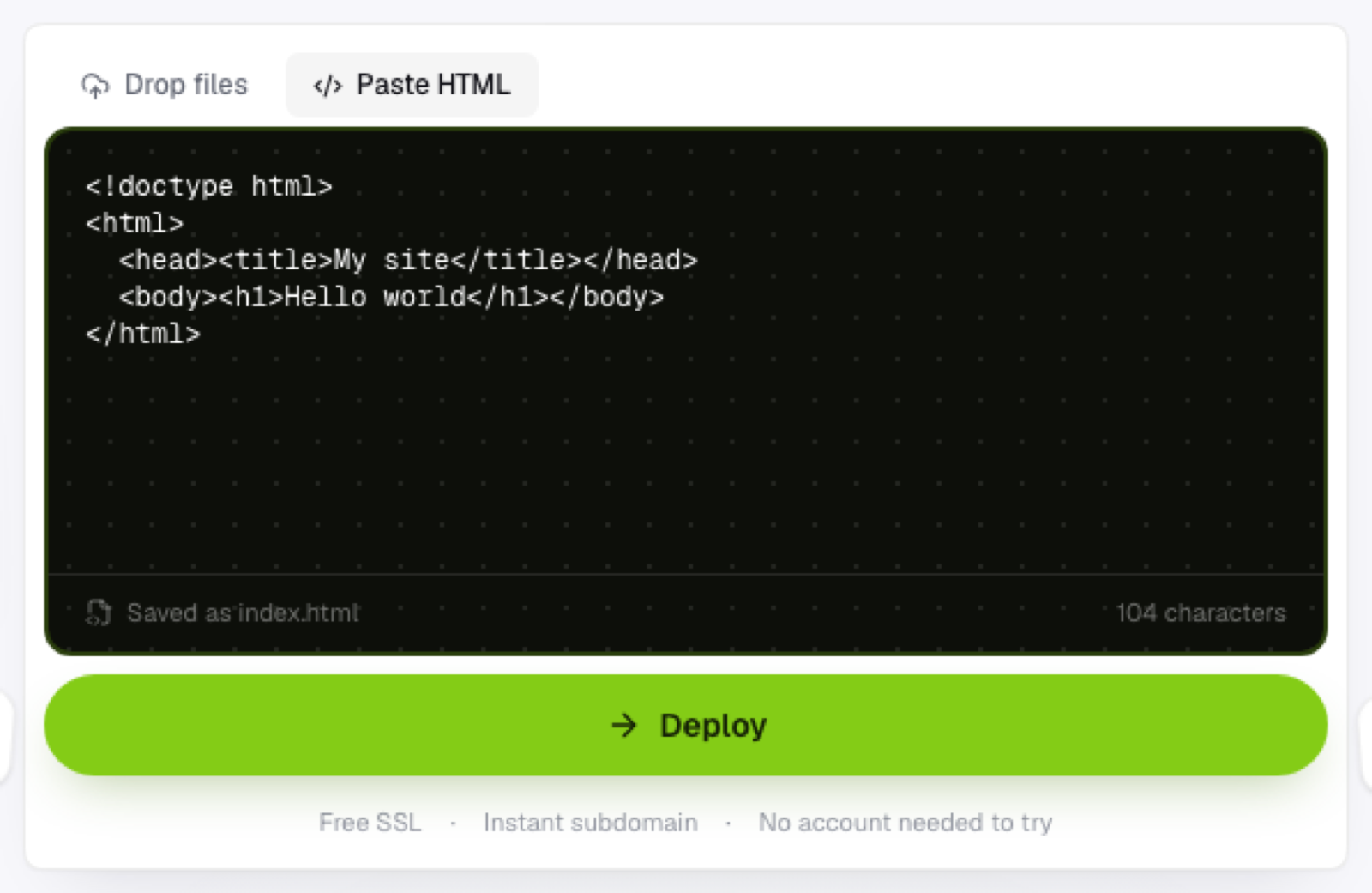
Paste or drop it in. If your page is self-contained, no separate CSS or image files, pasting the raw HTML works directly.
Get your link. It's live immediately, over HTTPS, with a real subdomain, not a file download prompt waiting to confuse whoever opens it.
Send the link. That's it. No explaining how to open an attachment, no "which app do I need for this."
Why this beats emailing the file
A link works the same way for everyone, on any device, without downloading anything or needing the right software installed. It also means you can update the page later and the same link reflects the change; an attachment, once sent, is frozen the moment you hit send.
Frequently asked questions
Does the recipient need any special software to open the link? No. Any browser opens it the same way it would open any other website, no plugins or apps required.
What if the document I'm exporting doesn't have an "export as HTML" option? Some tools export to PDF instead. In that case, look for a "print to HTML" workaround, or consider whether a quick hand-written HTML version might actually be faster than fighting the export options.
Can I password-protect a page shared this way? Not through pasting HTML alone; that would need server-side logic the page itself doesn't have. If access control matters, that's a sign the content needs more than a plain static page.