
Host an HTML file and get a shareable link
Turn any HTML file into a real, clickable link over HTTPS — no server setup, no account required just to see it work, and nothing for you to configure.
Updated 2026-08-30
An HTML file on your computer is only useful to you until it's somewhere someone else can open it. Turning it into a shareable link is a smaller job than it sounds. There's no server to set up yourself, because a static host's entire purpose is doing that step for you, invisibly, in the background.
What "shareable" actually requires
A real URL, not a file path, something that works the same for anyone who clicks it, on any device, without needing to know where the original file even came from. HTTPS matters too, so the link doesn't trigger a browser security warning or look untrustworthy the moment someone opens it. And it shouldn't depend on your machine being on; once it's hosted, it's hosted, and closing your laptop shouldn't take the link down with it.
A local file meets none of these on its own, no matter how carefully you named it. Hosting is what bridges that gap.
Two ways to do it, depending on the file
If the HTML is self-contained, styles and scripts inline, or loaded from external URLs, you can skip the file entirely and paste the raw HTML content directly into a host that accepts pasted markup:
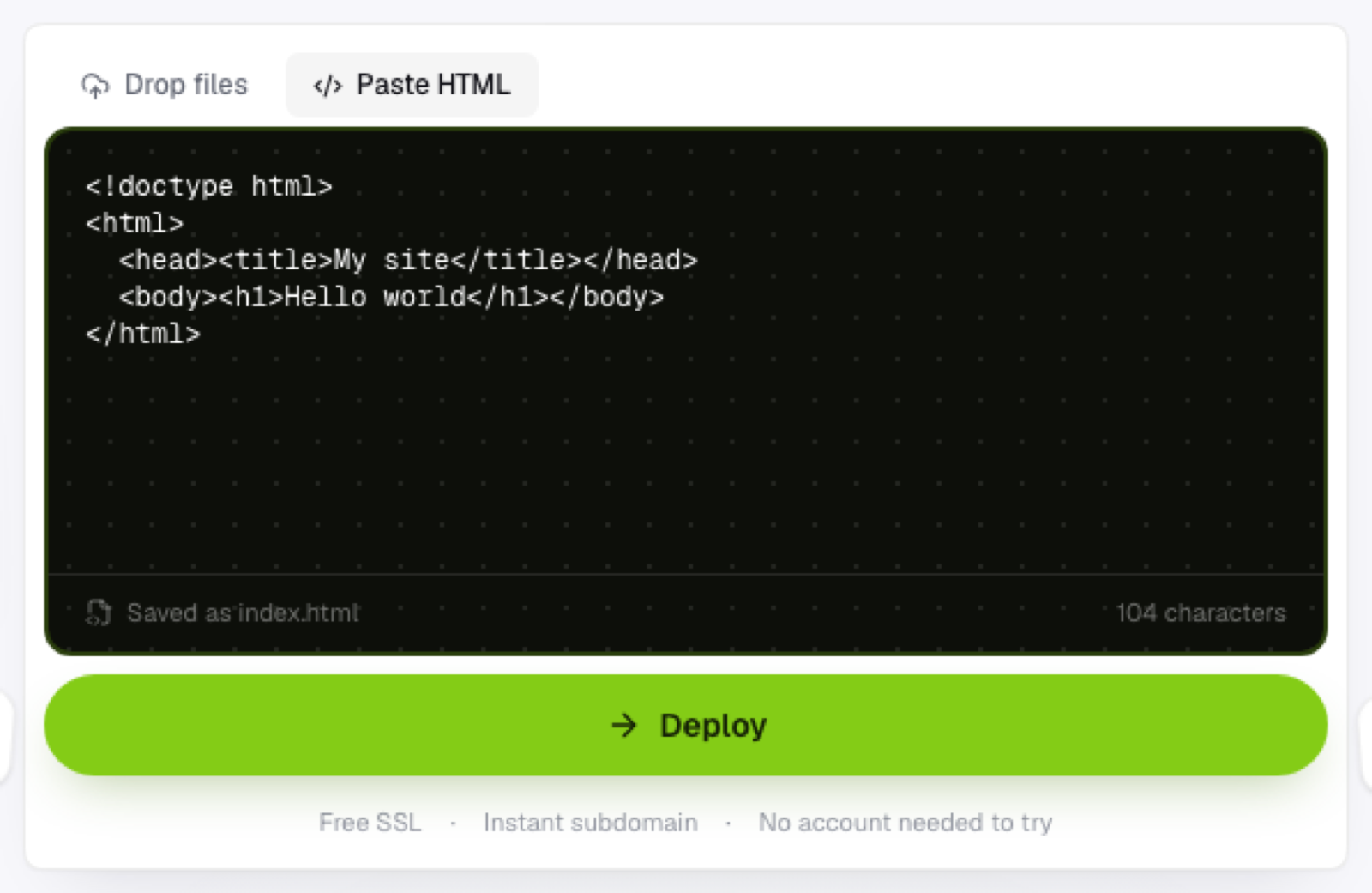
It saves as index.html and deploys immediately, no file picker involved at any point.
If the HTML references local files, a separate stylesheet, local images, a script file, upload the file alongside those assets, keeping them in the same folder structure they're already in, so the relative paths resolve once it's actually live.
What you get back
An HTTPS link on a subdomain, live the moment the upload finishes, no waiting on DNS, no certificate request to sit through. That link is what you share: paste it in a chat, an email, a form field asking for a URL, wherever the recipient needs to click through to see the actual page instead of reading a description of it secondhand.
Updating it later
If the file changes, re-upload it; the link doesn't need to change unless you want it to. This makes a hosted HTML file easier to maintain than an emailed attachment, which is frozen the instant you hit send and can't reflect anything you fix afterward.
Frequently asked questions
Can I get a shareable link without creating an account? Often yes for the preview step, dropping or pasting the file and seeing it staged, though most hosts ask for a sign-up at the point you actually want the link to go live and stay live.
What happens if I lose the original file after hosting it? The hosted copy stays live independently; you'd only need the original again if you wanted to make edits and redeploy an updated version.
Is a hosted HTML link permanent? That depends on the host, generally yes for as long as the project exists, unlike some disposable-preview tools that expire links after a set window.