
Host your portfolio website for free
A portfolio site doesn't need a database or a backend — just files and a link. Here's how to get yours live without paying for hosting.
Updated 2026-08-30
A portfolio is about as static as a website gets: a home page, some project write-ups, maybe a contact form that posts to a third-party service. There's no reason this should require paid hosting, server configuration, or a backend of any kind, and yet plenty of people assume it does because that's what "hosting a website" used to mean.
What a portfolio actually needs from hosting
A link you're not embarrassed to share, ideally a name you picked yourself, not a random string of characters. HTTPS, since you're linking this from a resume, LinkedIn, or a cold email, and it needs to look legitimate to whoever clicks it. Reliability, so it just stays up without you having to think about it. And room to update it, since portfolios change as you finish new work, and redeploying shouldn't be harder than the first deploy was.
None of that requires a paid plan. It requires a host built around exactly this use case.
Getting it live
Build or export your portfolio as static files first. Whether it's hand-coded HTML/CSS, a static site generator's build output, or an export from a design tool, you want the final rendered files ready to go.
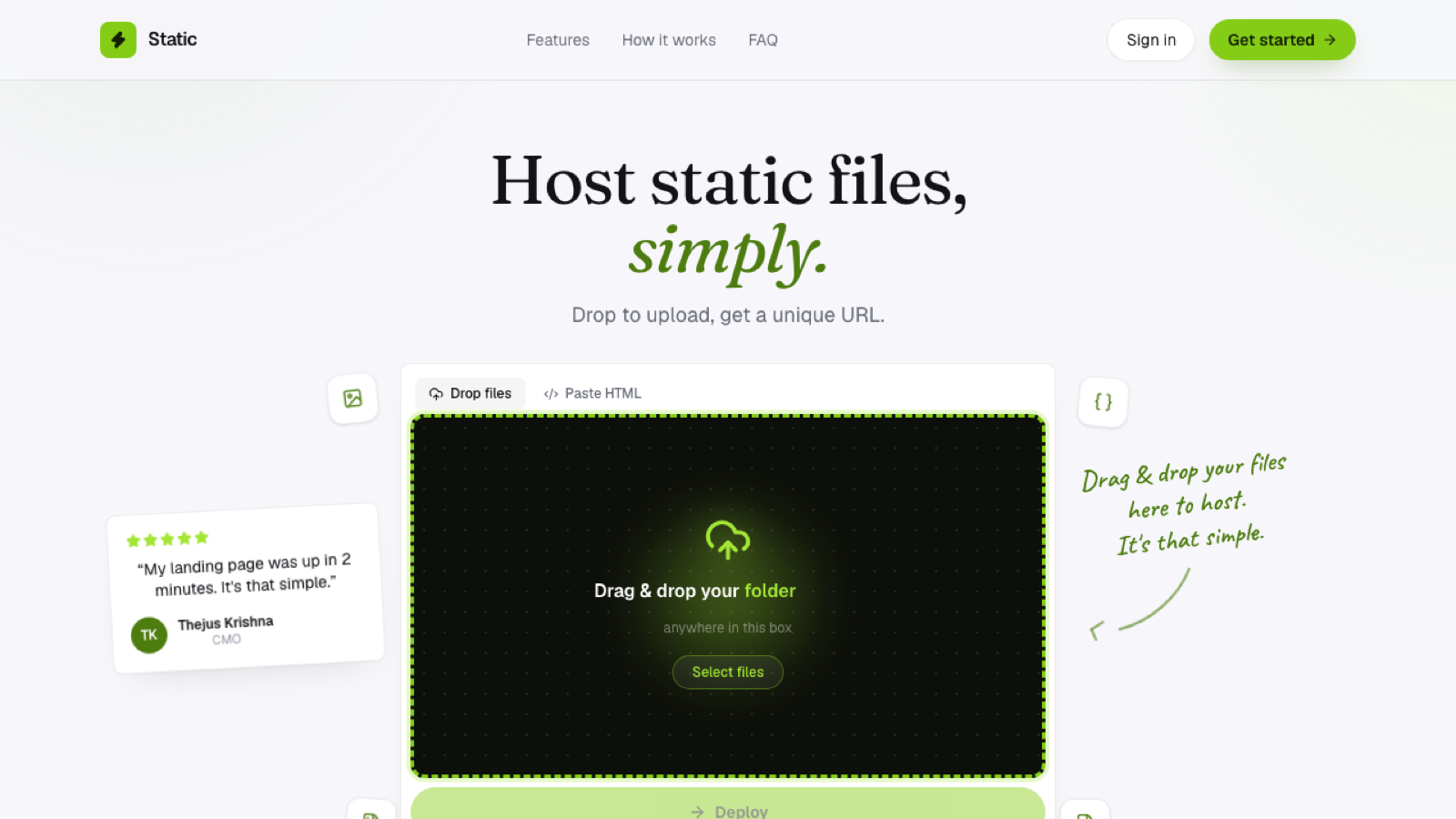
Drop the folder onto a browser-based static host; no build step needed if it's already built, it goes live exactly as uploaded. Pick a subdomain name that's actually you, your name or a close variation of it, so the link itself is memorable rather than generic. Then share it: resume, LinkedIn, a cold email signature, wherever it's useful to have on hand.
Keeping it current
The advantage of a lightweight hosting setup is that updating your portfolio is just re-uploading the folder, no redeploy pipeline, no waiting on a build. Finish a new project, add it to your portfolio's source files, and drop the updated folder in. The whole update usually takes less time than writing the project description did.
When you outgrow a subdomain
If your portfolio becomes central enough to your personal brand that yourname.com matters more than a subdomain, that's a natural next step to take once the site's worth the investment. There's no reason to wait on a domain purchase before your portfolio is actually live and usable, though; get it live first, decide on the domain later.
Frequently asked questions
Do I need coding experience to host a portfolio? No. If you already have HTML files, whether hand-written or exported from a page builder, hosting them is a separate, non-technical step from creating them.
Should I include a resume download on my portfolio? That's a design choice, not a hosting one; a PDF link works the same regardless of how the rest of the site is hosted, as long as the file is uploaded alongside your other assets.
How often should I update a hosted portfolio? Whenever you finish something worth showing. Since redeploying is just re-uploading the folder, there's no meaningful cost to updating it more often than you might with a heavier setup.