
Static hosting for students and class projects
Class projects need to be submitted as a working link more often than a zip file these days. Here's how to host coursework without a budget or a server setup.
Updated 2026-08-30
A growing number of assignments, web development courses, design projects, portfolio requirements, ask for a live link rather than a code submission. That's a reasonable ask; a working demo says more about whether something actually functions than source code alone does. It also assumes you already know how to host something, which isn't always taught alongside the assignment itself.
What student projects usually need
Zero cost, first and foremost. You're not going to buy a domain or a hosting plan for a single assignment, and no instructor should expect you to. No complicated setup either; the point of the assignment is the project itself, not learning server administration on a deadline you didn't choose.
A link that works for the professor or grader, on their own device, without needing your local dev environment running in the background. And something you can reuse across the semester for multiple projects, without setting up hosting from scratch every single time.
The fast path for coursework
Build your project as static files. If it's plain HTML/CSS/JS, you're already there. If it's built with a framework or tool, export or build the static output first.
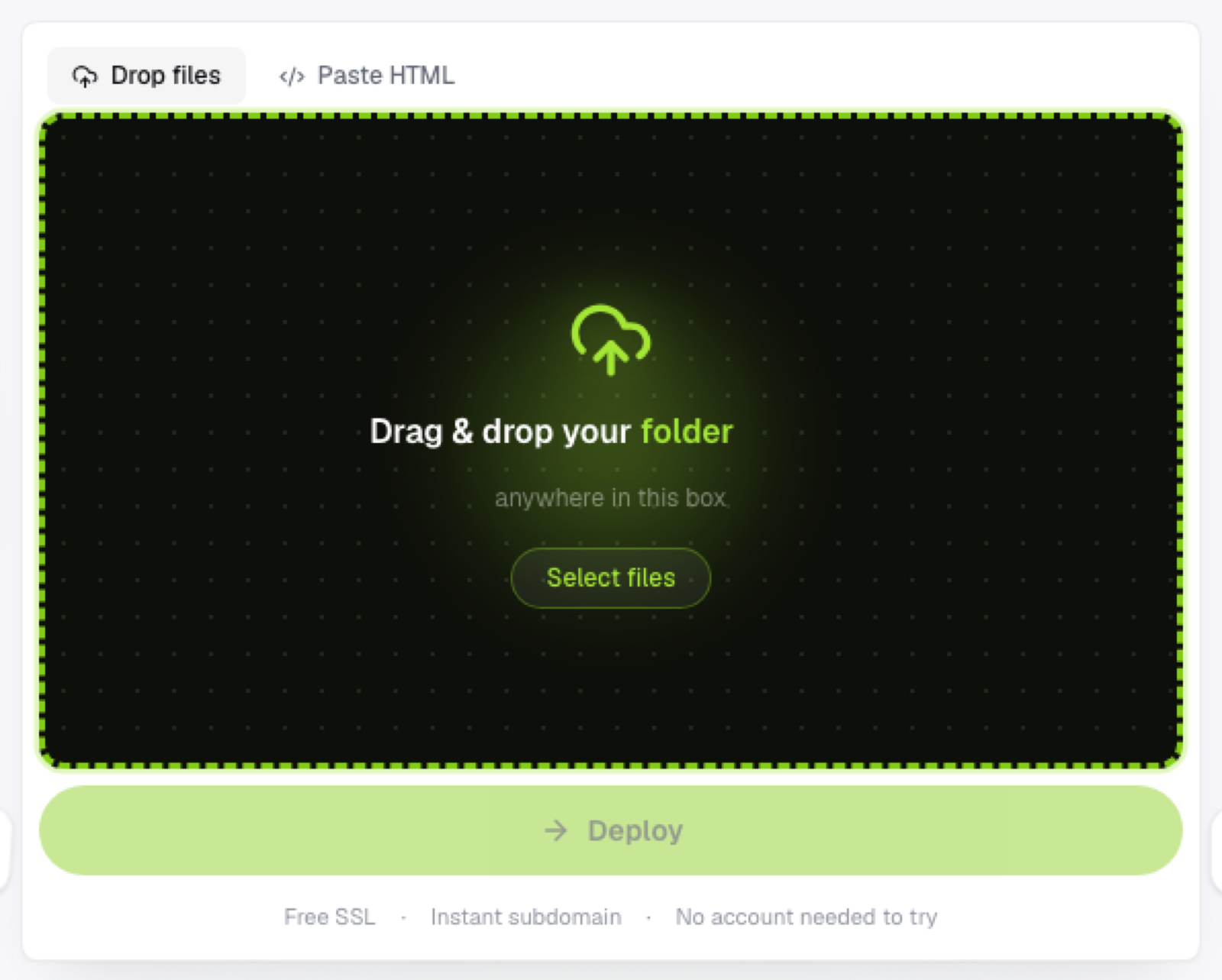
Drop the folder, or a .zip if that's how your assignment wants it submitted, onto a browser-based static host. Get your link immediately, no waiting on approval, no account required just to try it out before committing to anything. Submit the link alongside, or instead of, your source code, depending on exactly what the assignment asks for.
Why this beats running a local server for submission
A project that only runs on localhost isn't actually gradeable without the grader recreating your exact environment, which is unreasonable to ask across dozens of submissions from different students. A real, hosted link removes that entirely: it works the same way for everyone who clicks it, regardless of what's installed on their machine.
Across a whole semester
If you're submitting multiple projects over a term, keeping each one as its own project, rather than overwriting the same link every assignment, means your earlier work stays live and linkable. That's genuinely useful later if you want to point back to something for a portfolio or a job application, well after the class itself has ended.
Frequently asked questions
Do I need permission to host a class assignment publicly? Check your course's policy on sharing coursework, some instructors are fine with it, others prefer non-public sharing. A subdomain link isn't indexed by search engines by default, which is a reasonable middle ground either way.
Can I use the same hosting account across multiple classes? Yes, keeping a separate project per assignment or class within one account is the simplest way to stay organized without needing multiple accounts.
What if my assignment requires a specific file structure? Static hosting doesn't impose its own structure beyond needing an index.html (or similarly named entry file) at the root; follow your assignment's requirements and upload the folder as specified.