
Host your resume online as a webpage
A PDF resume works fine as an attachment, but a live webpage version gives you a link you can put anywhere — LinkedIn, email signatures, applications.
Updated 2026-08-30
A PDF resume is still the standard for formal applications, but a web version of your resume solves a different problem: having a single link you can drop anywhere, a LinkedIn "featured" section, an email signature, a networking follow-up message, that works instantly on any device without opening a download prompt first.
Why a web resume is worth having alongside the PDF
It's a link, not a file. No download prompt, no "which app opens this," no worrying about file size limits in a form that only accepts small attachments. You also control the presentation directly; unlike a PDF squeezed into a form field, a webpage can be formatted exactly how you want, and reads well on a phone screen without anyone needing to pinch-zoom.
It's easy to keep current too. Updating a live page is faster than regenerating and re-uploading a PDF everywhere you've previously shared it.
Building it
You don't need a portfolio-scale project for this, a resume site can be one well-structured HTML page: your name, a short summary, experience, skills, and contact info, styled simply. If you're comfortable with basic HTML/CSS, this is a genuinely small build, often smaller than people expect. If not, plenty of simple templates and page builders export to static HTML that works the same way once hosted.
Getting it live
Finish the page, as a single HTML file if it's simple, or a small folder if it has separate CSS or image assets:
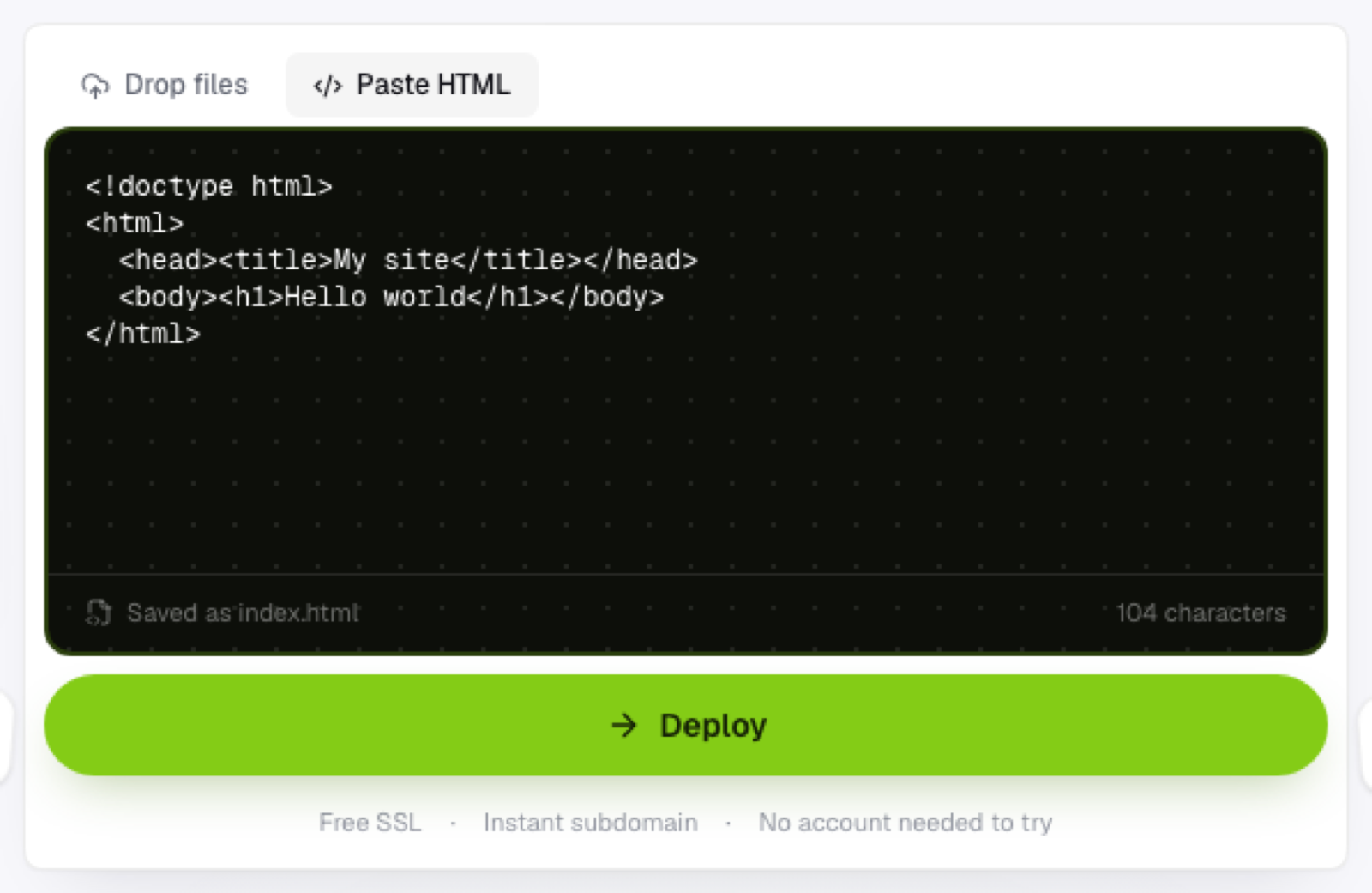
Drop it onto a browser-based static host; no account needed just to see it deployed and check how it looks. Pick a subdomain that's your name, this is the one project where the link itself should be immediately recognizable to anyone reading it off a resume or a business card. Then add the link everywhere you'd otherwise attach a PDF: email signatures, LinkedIn, application forms that accept a URL instead of an upload.
Keeping the PDF too
A web version doesn't replace the PDF entirely, some applications still specifically require a file upload, no exceptions. Keep both, and use the live link wherever a URL is the better fit: it's the version that looks good the instant someone clicks it, on whatever device they happen to be using at the time.
Frequently asked questions
Should my web resume match my PDF exactly? Not necessarily. The web version can include things a PDF can't, like links to actual project pages or a portfolio, while the PDF stays focused on what a formal application system expects.
Is a subdomain professional enough for job applications? Yes, plenty of professionals link a subdomain-hosted resume directly in applications; what matters more to a reviewer is that the link works and loads quickly, not the exact domain structure behind it.
Can I update my web resume without breaking the link I've already shared? Yes, re-upload the updated file to the same project and the existing link reflects the change immediately, no need to send anyone a new URL.