
Best free static site hosting in 2026
A practical rundown of the top free static site hosting options in 2026 — what each one is actually best at, and how to pick without wasting an afternoon.
Updated 2026-08-30
Every "best static hosting" roundup ends up naming roughly the same five tools. That's not laziness on the part of whoever wrote it. For plain HTML/CSS/JS sites, the field has genuinely settled into a handful of distinct categories, and once you understand what each category optimizes for, picking one takes about thirty seconds instead of an afternoon of tab-hopping between pricing pages.
The mistake most people make is comparing these tools on features, when the thing that actually determines which one you'll be happy with is your workflow. A freelancer handing a client a preview link and a team running CI/CD on every commit need completely different tools, even though both projects are "static sites."
Browser drag-and-drop hosts
If you've got a folder of files sitting on your desktop and want a live link before your coffee gets cold, you want a host built around uploading directly in the browser. No Git, no CLI, no account required just to see whether it works.
Flaash falls in this category. Drop a folder or .zip, and it's unpacked and live on an instant *.flaash.live subdomain with free SSL, no build step, no account needed to try it first.
This screenshot shows the whole interaction — there's no second screen, no configuration panel between "I have files" and "they're live":
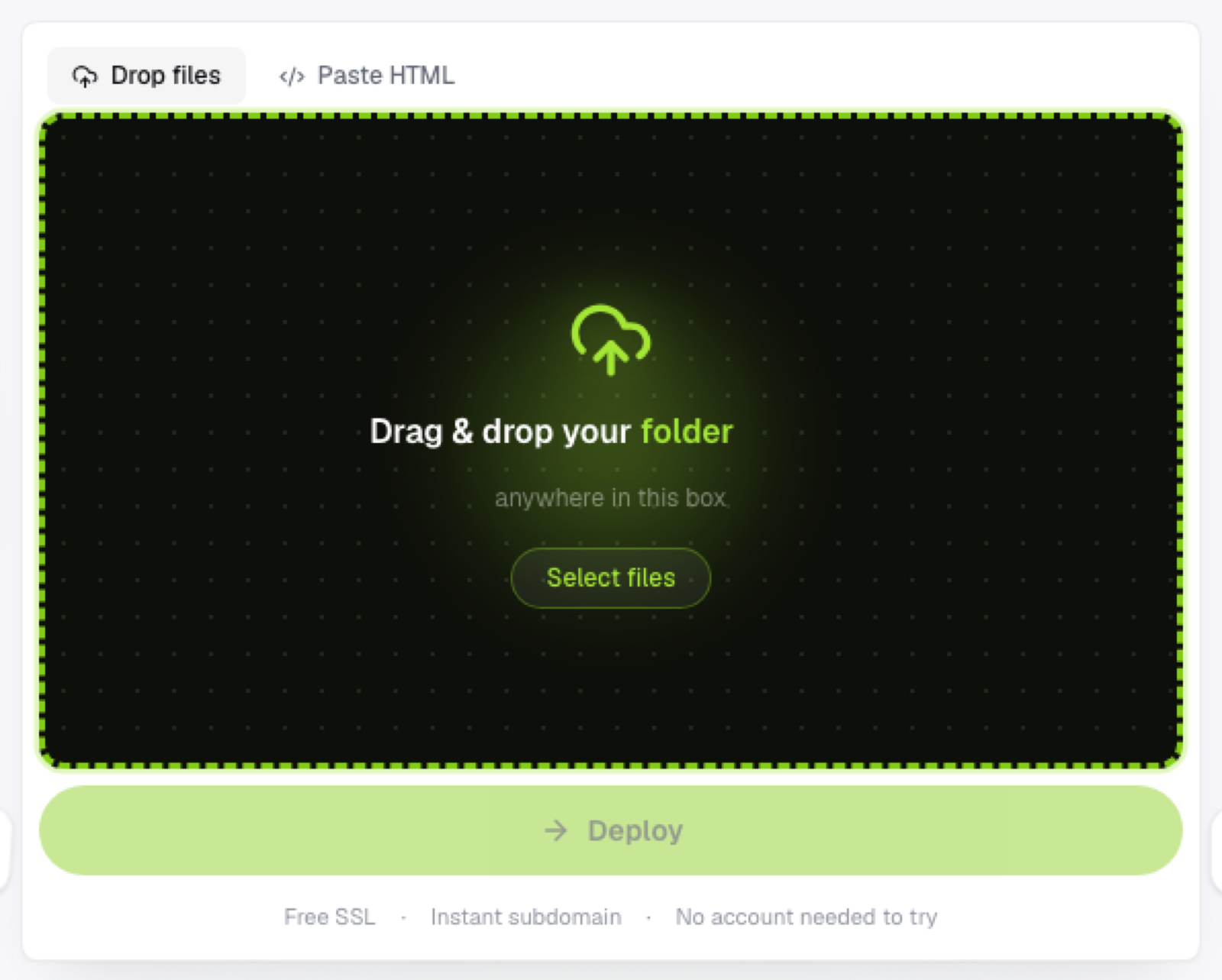
Drop a folder or zip file directly onto this box and it deploys immediately — no build step in between.
This category is the right call for one-off previews, client demos, hackathon submissions, and anything where setting up a repository isn't worth the ten minutes it costs you.
Git-based platforms
Netlify, Vercel, and Cloudflare Pages are full frontend clouds. They connect to a GitHub or GitLab repo, run a build on every push, and deploy the output automatically. If you're already framework-based (Next.js, Astro, Vite) and want CI/CD baked in, this is the right layer. The tradeoff is setup time: a repo, a connected account, and usually a build configuration have to exist before your first deploy goes live.
GitHub Pages
Free, and tightly coupled to GitHub. If your project already lives in a public repo, Pages is a natural fit, and it supports custom domains through a CNAME file. The catch is that it requires Git, literally — there's no way to just drop files into a browser and skip version control entirely.
CLI tools
Surge.sh is the classic example here. Install a Node package, run one command from your project directory, and it publishes the current folder. Fast once it's set up, but it assumes you're already comfortable in a terminal, which rules it out for handing a non-technical teammate a way to publish something themselves.
How to actually pick one
Ask yourself one question: where do your files live right now, and who needs to publish them?
- Files on your machine, no repo, want it live now: a browser drag-and-drop host.
- Already pushing to GitHub, want auto-deploys on every commit: a Git-based platform.
- Comfortable with a terminal, publishing your own projects: a CLI tool.
- Non-technical person needs to publish without help: browser-based, no Git.
Frequently asked questions
Do I have to pick just one? No. Most people who ship static sites regularly end up using more than one tool, depending on the project — a browser upload for a quick client preview, a Git-based platform for the actual product.
Is "free" really free, or is there a catch? For plain static hosting, the core workflow (a subdomain, HTTPS, a reasonable amount of storage) is genuinely free across this category, because serving static files is cheap. Paid tiers usually gate custom domains, team collaboration, or high traffic volume, not the basic ability to deploy.
What if my site needs a database or user accounts? None of the hosts above run server-side code for you. If your project needs that, you're looking at a different category entirely, one with serverless functions or a full backend attached.