
How to add free SSL to your static site
You don't need to buy or configure a certificate to serve your static site over HTTPS. Here's what SSL actually requires, and how to skip the manual setup.
Updated 2026-08-30
Every browser now flags plain HTTP sites as "not secure," and for good reason. HTTPS encrypts traffic between your visitor and your server, and it's table stakes for anything you're sharing publicly, not just e-commerce or login pages. The good news for static sites specifically is that getting SSL no longer requires the manual process it used to.
How SSL used to work
Traditionally, adding HTTPS meant generating a certificate signing request, purchasing (or requesting a free one from a certificate authority), installing it on your server, and remembering to renew it before it expired, usually every 90 days for free certificates. Miss the renewal window and your site starts throwing security warnings at visitors with no warning to you.
Why static hosts skip most of that
A static host that issues you a subdomain can provision and renew certificates automatically for every site it serves, because it controls the full path from domain to server. There's nothing for you to generate, install, or remember to renew; it's simply on from the moment you deploy.
That's how HTTPS works on Flaash. Every subdomain is served over HTTPS by default:
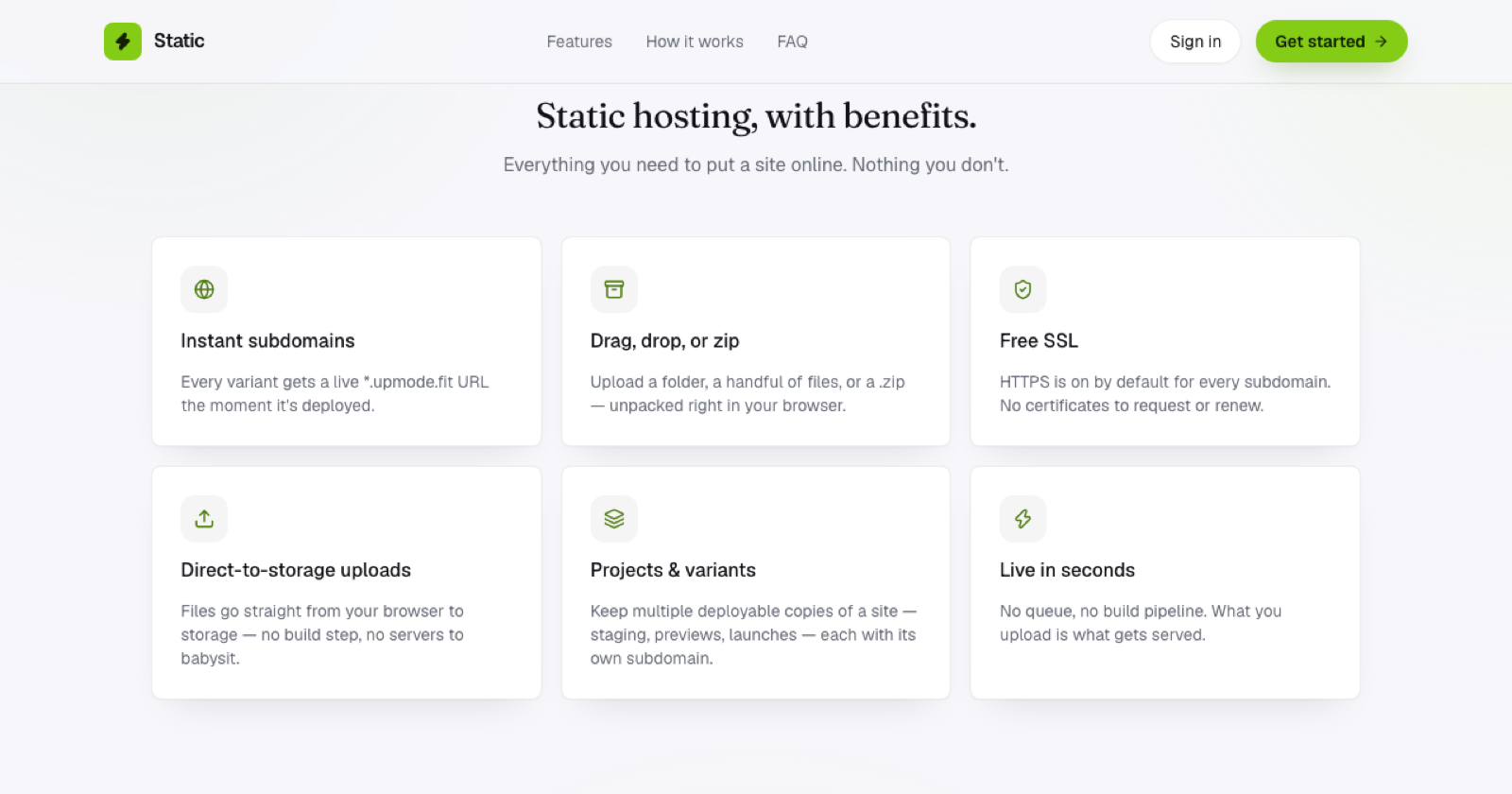
No certificate request, no configuration screen, and nothing to renew later. The moment your site deploys, it's already secure.
If you're moving from a custom domain with manual SSL
If you're used to managing certificates yourself (via Let's Encrypt, a paid certificate authority, or your host's control panel), switching to a platform where SSL is automatic removes an entire category of maintenance. No more calendar reminders for renewal, no more debugging a "certificate expired" error at the worst possible time.
What to check regardless of host
Even with automatic HTTPS, a couple of things are worth confirming after you deploy. All assets should load over HTTPS too; a page served securely that still loads an image or script over plain http:// will trigger "mixed content" warnings in the browser. And check that the padlock actually shows in your browser's address bar once the site is live, a quick visual confirmation that everything's wired up correctly.
Beyond that, if your host handles HTTPS automatically, there's genuinely nothing else to do.
Frequently asked questions
Does free SSL work differently from paid SSL? For the purpose of encrypting traffic and showing the padlock, no. The encryption itself is the same; paid certificates historically added extra verification (like organization identity checks) that most sites don't need.
Will my site break if I forget to renew a certificate? With automatic SSL, there's nothing to renew, so this failure mode doesn't apply. It only becomes a risk if you're managing certificates manually on traditional hosting.
Can I still use my own SSL certificate if I want to? On a host with automatic HTTPS per subdomain, you typically don't need to, since the certificate is already handled for you. Custom certificate management is more relevant once you're on infrastructure you fully control, like a VPS.