
Free SSL certificates for every subdomain
Every subdomain you deploy should be served over HTTPS automatically — no certificate to request, install, or renew. Here's how that actually works.
Updated 2026-08-30
Requesting and installing an SSL certificate used to be a manual step for every domain, and every subdomain, you wanted to serve securely: generate a certificate signing request, get it signed by a certificate authority, install it on your server, and track its expiration so it doesn't lapse without warning. For hosts that issue you a subdomain automatically, that entire process can happen behind the scenes instead, with nothing for you to manage.
Why subdomains make this easier
Because a host that issues subdomains controls the domain those subdomains sit under, it can provision a certificate for every new subdomain as part of the deploy itself. There's no separate request step for you to trigger, and no separate certificate to manage per site. This is different from bringing your own custom domain, which, depending on the host, may still require its own certificate step, since the host doesn't control that domain the same way it controls its own namespace.
What this looks like when it's working correctly
Deploy a project, get a subdomain, and HTTPS is already active, no warning banner, no "not secure" indicator, no extra toggle to switch on anywhere in the dashboard:
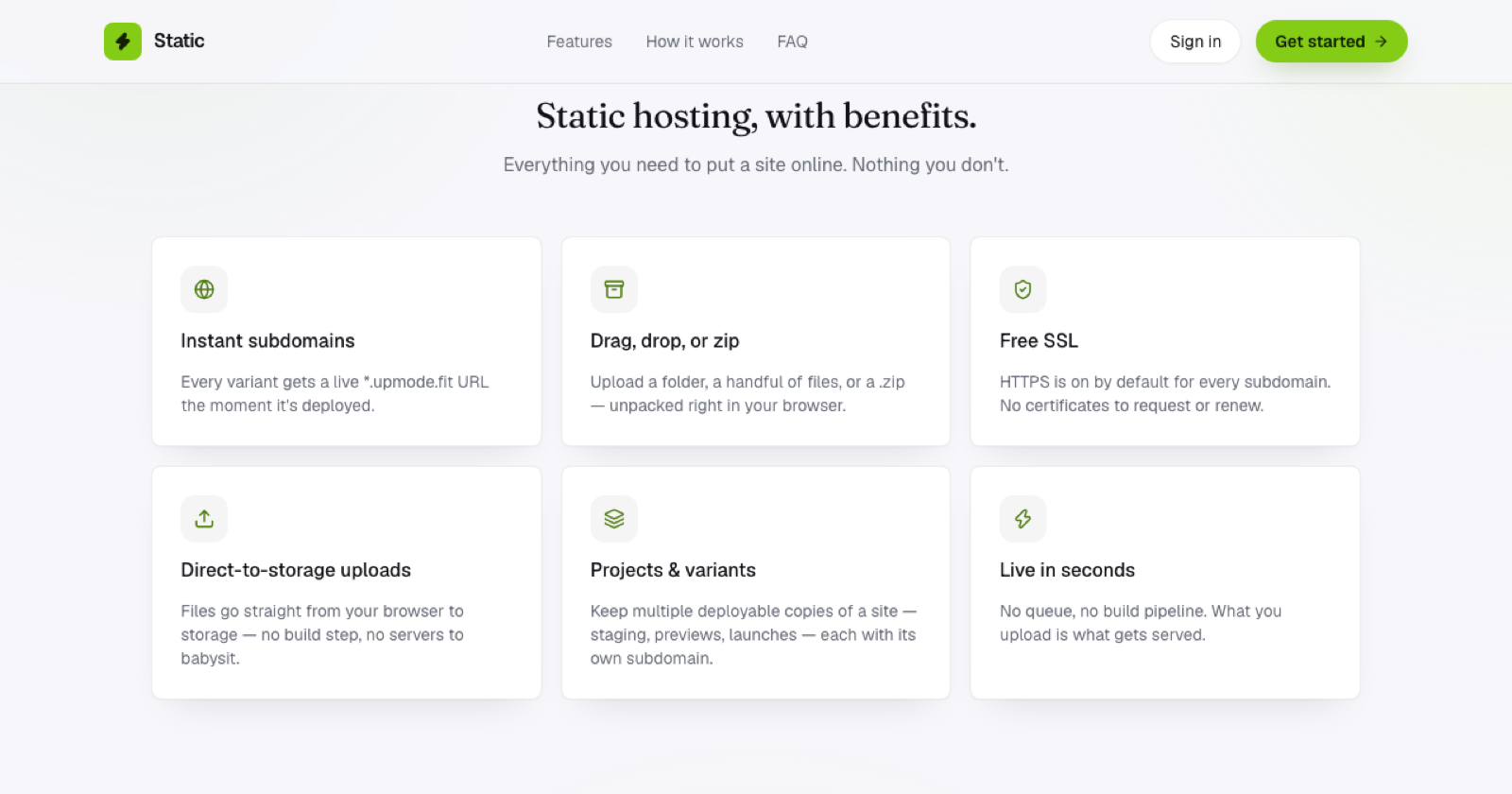
This is the default for every subdomain here: HTTPS is on from the first deploy, with nothing to configure and nothing to renew later.
Why automatic renewal matters more than the initial setup
The bigger practical risk with manual SSL isn't the first setup, it's forgetting to renew before a certificate expires, which causes a site to suddenly start throwing security warnings with no code change involved to explain it. Automatic issuance solves the first problem. Automatic renewal is what actually prevents the failure mode that catches people off guard months later, often at the worst possible time. A host that automates both removes SSL from your list of things to track entirely, permanently.
What to still watch for
Even with the certificate itself handled automatically, mixed content, a secure page loading an image, script, or stylesheet over plain http:// instead of https://, will still trigger browser warnings. That's a page-authoring detail, not a certificate problem, and it's worth a quick check after any deploy: everything your page loads should be over HTTPS, not just the page itself sitting at the top.
Frequently asked questions
Does automatic SSL cost extra? Not typically for a subdomain issued by the host itself; automatic certificate provisioning for subdomains under the host's own domain is usually included as part of the base hosting.
What if I later add a custom domain? Depending on the host, a custom domain may need its own certificate step, since it's not under the host's namespace the same way an issued subdomain is; check your specific host's process when that becomes relevant.
How do I know if HTTPS is actually working on my site? Check for the padlock icon in your browser's address bar once the site is live; that's the simplest confirmation that the certificate is active and correctly configured.