
Static site hosting vs traditional web hosting
Static hosting and traditional (shared/VPS) web hosting solve different problems. Here's the real difference, and how to tell which one your site needs.
Updated 2026-08-30
"Web hosting" used to mean one specific thing: rent space on a server, get an FTP login, upload your files, and manage the whole thing yourself from there. That model is still around, and it's still the right tool for some sites. A large share of what people actually build today doesn't need it at all, though, and paying for that flexibility when you don't need it is pure overhead.
What traditional hosting gives you
Shared hosting, VPS, and dedicated servers hand you a full server environment: often a control panel like cPanel, a database, a server-side language like PHP, and FTP or SSH access. That flexibility is real. You can run WordPress, a custom backend, or server-side scripts, anything that needs to execute code when a request comes in.
The cost of that flexibility is maintenance. You, or your host on your behalf, are responsible for server updates, security patches, and uptime. Setup usually involves DNS records, server provisioning, and often a manual SSL certificate step before anything's actually live.
What static hosting gives you instead
A static site is just files: HTML, CSS, JavaScript, images, served exactly as written, with no server-side code running behind them. Because there's nothing to execute, there's nothing to configure, patch, or maintain on a server. The host's only job is serving your files quickly and securely, which is a much smaller problem than running a general-purpose server.
That's why static hosts can skip most of the traditional setup entirely. No FTP client, no control panel, often no account required just to try it. On Flaash specifically, you drop a folder or .zip in the browser and it's live on an HTTPS subdomain immediately:
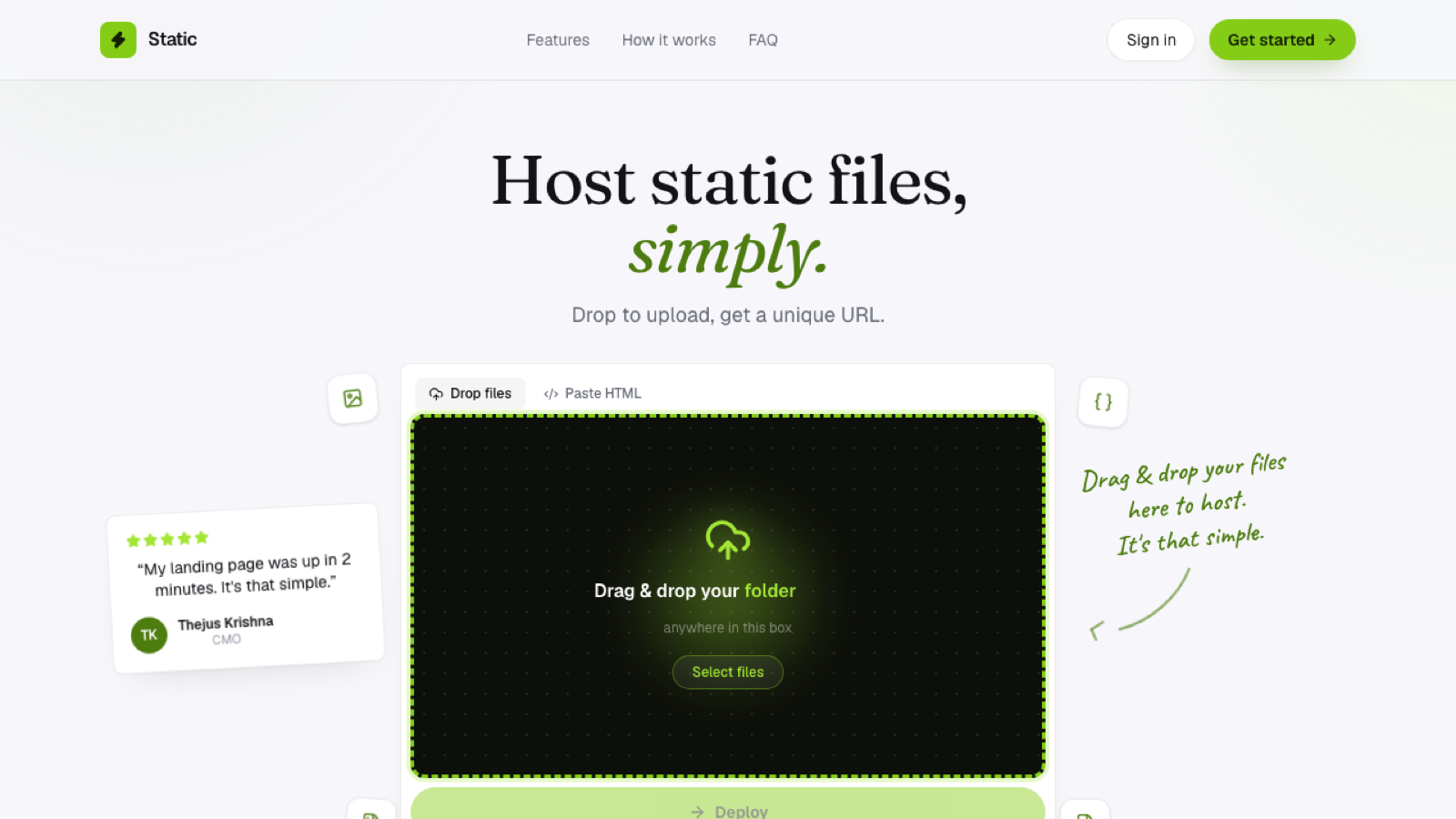
No server to provision, because there isn't one behind your site at all.
Which one does your site actually need
Ask whether your site needs to run code on the server: a database lookup, authentication against a backend, pages generated dynamically per request. If the answer is yes, you need traditional hosting, or a platform with serverless functions layered in. If your site is the same bytes for every visitor (a portfolio, a landing page, documentation, a client preview), it's static, and a static host will be faster to set up, cheaper to run, and nothing to patch.
A surprising number of sites people assume need "real" hosting turn out to be static once you actually check whether anything on the page depends on server-side logic. Very often, nothing does.
Frequently asked questions
Can a static site have a contact form without a server? Yes. Most contact forms on static sites post to a third-party service (a forms backend, a mailing list provider), which handles the server-side part for you. The page itself stays static.
Is static hosting less secure than traditional hosting? If anything, the opposite tends to be true. With no database or server-side code running, there's a much smaller attack surface, since there's no application logic to exploit.
What if I'm not sure which category my site falls into? Check whether the HTML changes based on who's requesting it or what they've submitted. If every visitor gets byte-for-byte the same page, it's static, regardless of how polished or interactive it looks on screen.