
Host documentation sites for free
Generated docs sites are almost always static HTML output. Here's how to host yours for free without tying it to a specific docs platform's hosting.
Updated 2026-08-30
Most documentation tools, whether you're writing Markdown and running it through a static site generator, or exporting from an internal wiki, produce the same thing at the end of the process: a folder of static HTML, CSS, and JS ready to serve. The generator does the hard part of turning content into pages; hosting the result should genuinely be the easy part left over.
Why docs sites are a natural fit for static hosting
Documentation is read-heavy and rarely needs server-side logic. Search is usually handled client-side or via a hosted search index, and the content itself is just rendered Markdown. That means the entire site, search included in most setups, is typically static output that a plain file host can serve without any modification on its part.
Getting your generated docs live
Run your docs generator's build command the way you normally would; this produces a folder of static output, commonly named dist, public, _site, or build, depending on the tool you're using.
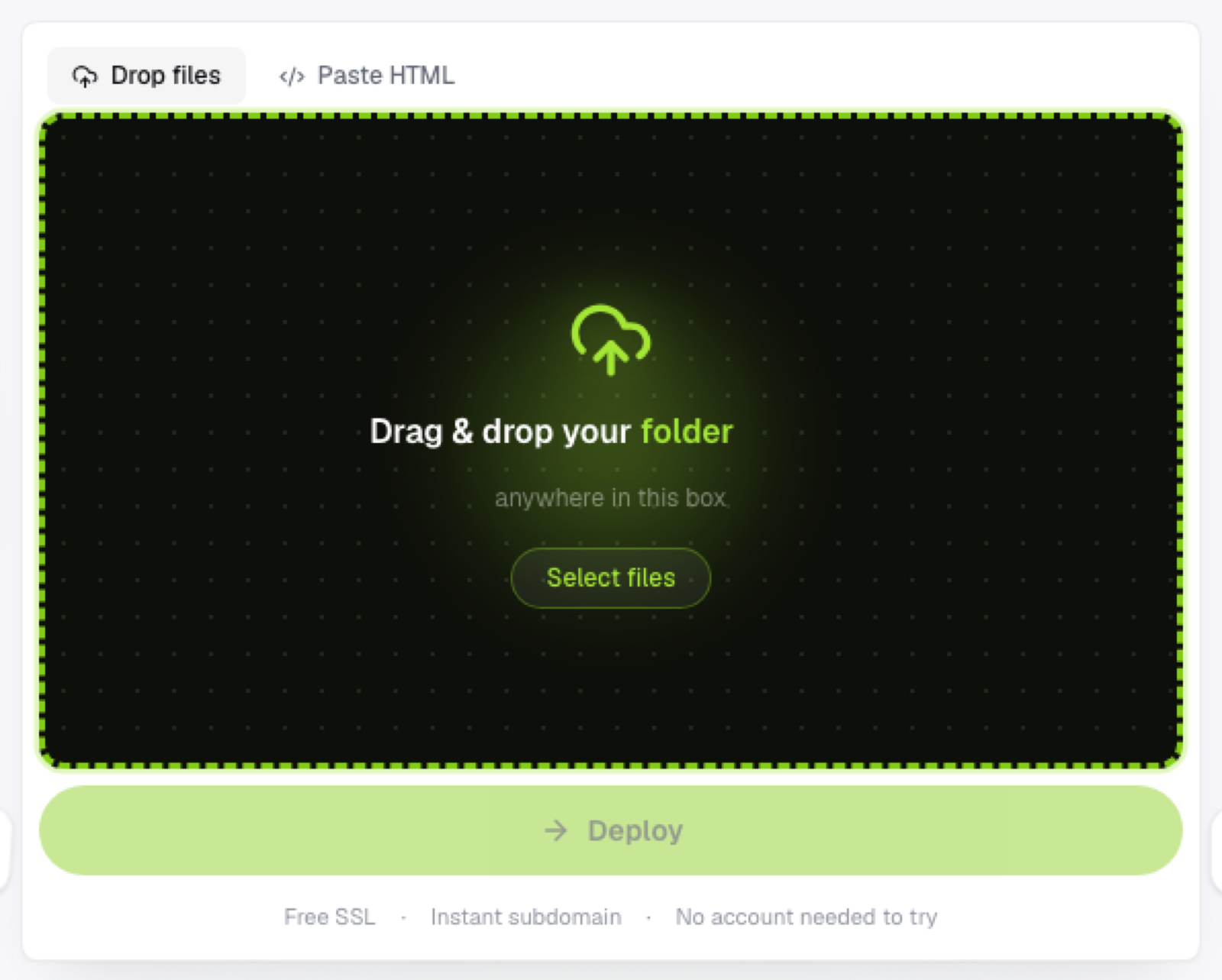
Upload that build output folder directly, not the source Markdown files, and not the whole project repository. The host only needs the already-rendered result, nothing more. You'll get an instant HTTPS link once it's uploaded, with no server configuration needed for what's fundamentally a folder of pre-rendered pages.
Keeping docs updated
Documentation changes often: new features, corrections, version bumps that need to go out quickly. Since there's no build step happening on the host's end, updating means edit your source, re-run your generator's build command locally, and upload the new output folder. The turnaround from "doc fix committed" to "doc fix live" is as fast as your local build takes, nothing more added on top.
Versioned docs
If you maintain documentation for multiple versions of a product simultaneously, treat each version as its own deployable variant of the same project, giving each version its own subdomain rather than overwriting the previous one whenever a new version ships. That keeps older docs accessible for users still on an older release, which matters more than people expect until someone actually needs them.
Why not just use the docs tool's own hosting?
Some documentation generators offer their own hosting, which is convenient but ties you to that specific tool's ecosystem. Hosting the static output yourself keeps that decision separate; you can switch documentation generators later without also needing to migrate hosting at the same time.
Frequently asked questions
Does client-side search still work once I host docs elsewhere? Generally yes, if the search index was built into the static output itself, it works the same way regardless of which host is serving the files.
Can I host multiple product versions of docs at once? Yes, deploy each version as its own variant with its own subdomain, keeping older versions accessible alongside the current one.
What if my documentation generator produces a very large output folder? Static hosts built for this typically handle large file counts without issue; the main practical concern is upload time for a large number of files, not a hard limit on hosting them.