
JAMstack hosting, explained
What JAMstack actually means, how it relates to plain static hosting, and where a Git-integrated build pipeline is and isn't necessary for your project.
Updated 2026-08-30
JAMstack stands for JavaScript, APIs, and Markup, an architecture where the "Markup" (your HTML) is pre-built ahead of time rather than generated by a server on each request, "JavaScript" runs in the browser to add interactivity, and any dynamic functionality (auth, payments, search) comes from third-party or custom APIs called directly from the client, instead of a monolithic backend rendering everything server-side on demand.
Why this looks a lot like static hosting
At its core, JAMstack sites are static output, the same pre-built HTML/CSS/JS that any static host serves without modification. What distinguishes "JAMstack hosting" as a category is usually the pipeline built around that output: a Git-connected platform that watches your repository, runs your framework's build command on every push, and deploys the result automatically without you triggering it by hand. The static file serving underneath is the same problem either way, regardless of how the output got produced.
The two pieces of a JAMstack workflow
There's the build: turning your source, a Next.js, Astro, Eleventy, or similar project, into static HTML/CSS/JS output. This is where Git-integrated platforms add real value; push a commit, and the build runs and deploys automatically without you doing it by hand every time.
And there's the serve: taking that finished static output and making it available over HTTPS, fast, to visitors wherever they are. This part doesn't actually care how the output was produced. A build pipeline and a hand-written HTML file end up in the same place: a folder of static files that need hosting, full stop.
Where a plain static host fits in
If you already run your build locally, or in your own CI, and end up with a static output folder, you don't need the Git-integration half of a JAMstack platform. You just need somewhere fast and simple to serve the result:
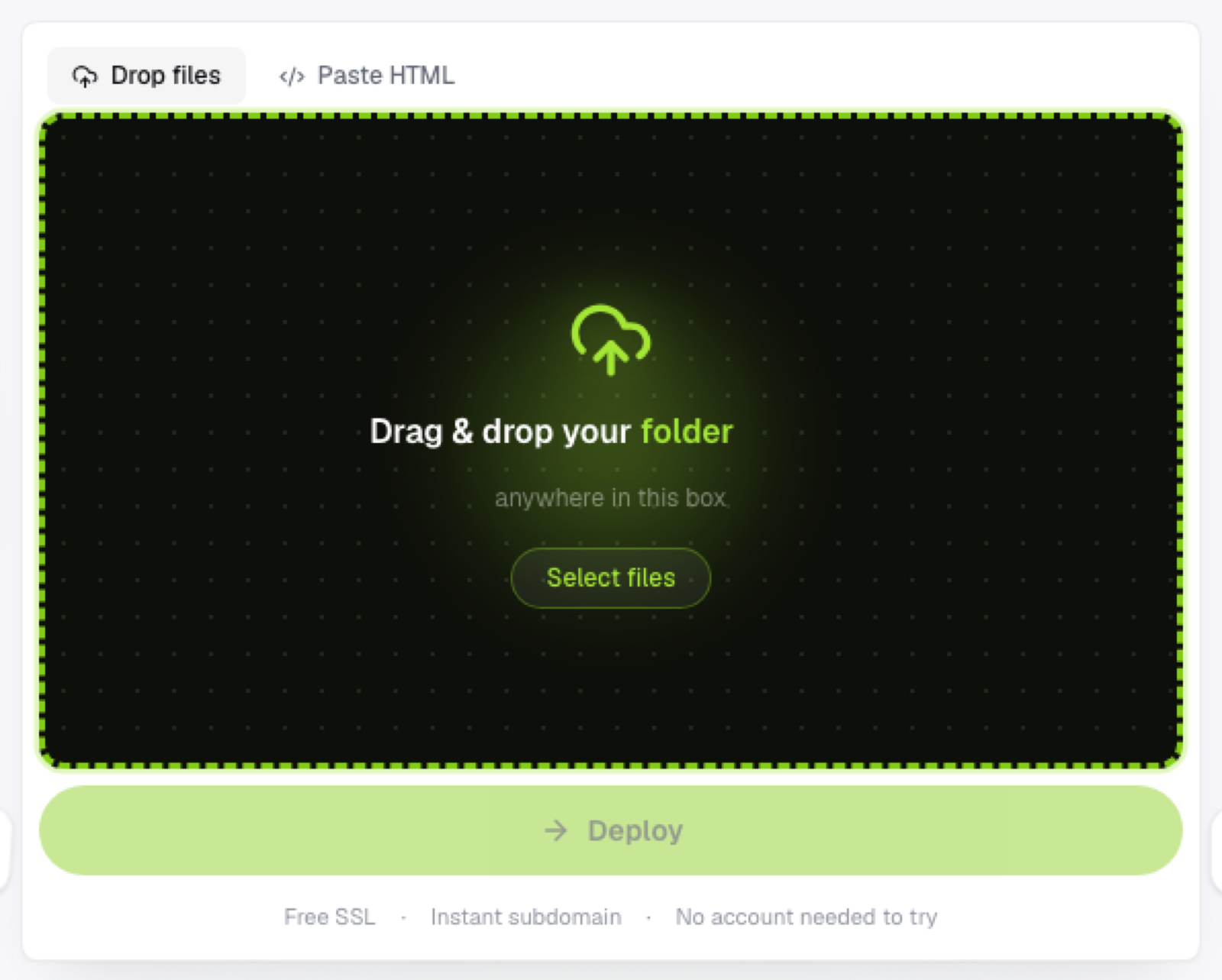
No Git connection, no build configuration on the host's side, just upload the folder your build already produced and get it live immediately.
This is a legitimate way to work with JAMstack-architected sites without adopting a full Git-CI pipeline: build locally, deploy the output by hand (or via a simple script) whenever you're ready, rather than on every single commit automatically.
Choosing between the two
If you want every push to automatically deploy, a Git-integrated JAMstack platform is doing real, valuable automation for you. If you'd rather control exactly when a deploy happens, or your project doesn't have a build step at all, hosting the static output directly is simpler and gives you that control back.
Frequently asked questions
Do I need to use a specific framework to build a JAMstack site? No, JAMstack describes an architecture, not a required tool; plenty of static site generators and even hand-written HTML fit the same pattern of pre-built markup plus client-side API calls.
Is JAMstack the same thing as "static site"? Related but not identical; JAMstack specifically emphasizes using APIs for dynamic functionality on top of static markup, while "static site" just describes the hosting model itself.
Can I switch from a Git-integrated JAMstack platform to a plain static host later? Yes, since the deployed output is just static files either way; run your existing build process locally or in your own CI, and upload the result to a different host without changing your source code.