
Static vs dynamic websites, explained
The core distinction that determines how a site needs to be hosted, and how to tell which one your project actually is before you build the wrong thing.
Updated 2026-08-30
Whether a website is "static" or "dynamic" isn't about how it looks or how modern it feels. It's about where the page's content is decided: ahead of time, or at the moment someone actually requests it.
Static websites
A static site's HTML is fixed before anyone visits, written by hand, generated by a build tool, or exported from a design tool, and every visitor receives the exact same file, byte for byte. There's no database lookup, no per-user logic, nothing computed on request. Portfolios, marketing pages, documentation, and landing pages are typically static, even when they look polished and interactive; interactivity from JavaScript running in the visitor's browser is still compatible with a static site, since the distinction is about what happens on the server, not what happens on screen after the page loads.
Dynamic websites
A dynamic site builds, or partially builds, its response at request time: checking who's logged in, querying a database, rendering content specific to that visitor's account or session. A social media feed, an e-commerce cart, a dashboard showing your account data, all dynamic, because the response genuinely differs based on who's asking and when they're asking.
Why the distinction changes how you host something
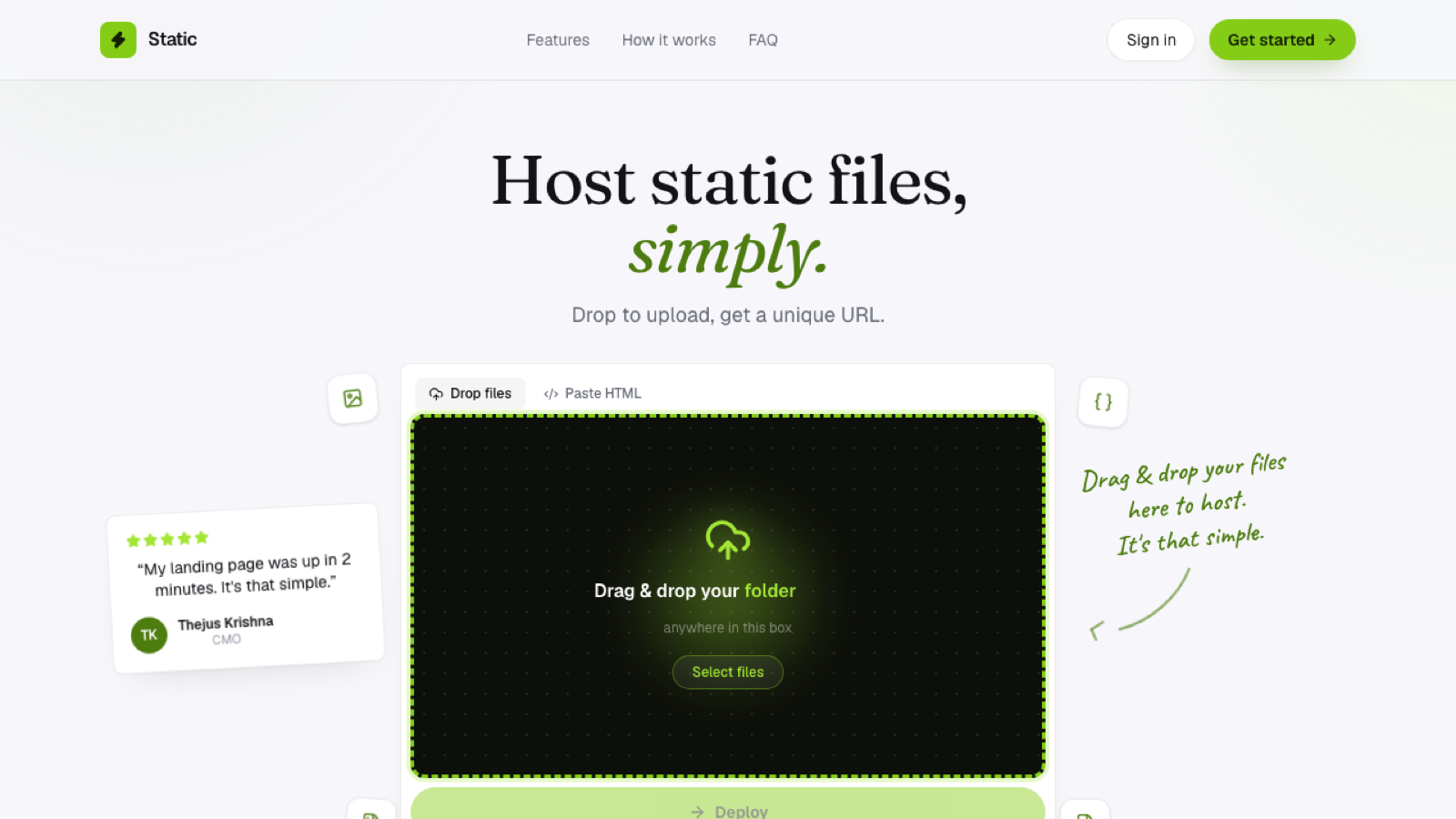
Static sites don't need a server running application code; they need a place to store files and serve them quickly, which is a much smaller and cheaper problem to solve well:
Dynamic sites need an actual server, or serverless functions, executing code on every relevant request, plus usually a database, which brings real infrastructure and maintenance requirements along with it. This is why "static hosting" and "traditional or dynamic hosting" aren't just different products; they're solving genuinely different problems, and using the wrong one either overpays for capability you don't need, running a full server for a static portfolio, or underdelivers, trying to force a database-backed application onto a static file host that was never built for that.
How to tell which one you actually have
Ask: does any part of this page's content depend on who's requesting it, or when? If every visitor gets byte-for-byte the same HTML, it's static, even if there's a contact form (which posts to a separate service) or client-side JavaScript doing something on the page after it loads. If the server needs to check a database, a session, or any request-specific state before it can respond, it's dynamic.
A large share of sites people assume are dynamic, because they "feel" like an app, turn out to be static once you actually check whether anything is happening server-side at all.
Frequently asked questions
Can a static site connect to a database at all? Not on the server side during page load, but client-side JavaScript can call an external API or database service directly from the browser, keeping the page itself static while still fetching dynamic data.
Is a static site cheaper to run than a dynamic one? Generally yes, since there's no server process to run continuously, no database to maintain, and serving files is a smaller, cheaper problem than running an application.
Do search engines treat static and dynamic sites differently? Not inherently; what matters for SEO is the rendered content and how quickly it loads, both of which static sites tend to handle well by default.