
A GitHub Pages alternative that skips Git
GitHub Pages is free but requires a Git repository and GitHub account. Here's an alternative for when you just want to upload files and get a link.
Updated 2026-08-30
GitHub Pages is free, reliable, and a strong option if your project already lives in a GitHub repository. The word "if" is carrying a lot of weight in that sentence, though. Pages is fundamentally a Git workflow: push commits to a repo, GitHub serves (or builds) the main or gh-pages branch, and your site goes live from there.
That's a real barrier for a lot of people who just want a page online.
When Git gets in the way
- You don't use Git day-to-day, or the project isn't in a repository at all.
- You have a folder of exported HTML, from a design tool, an AI code generator, or a quick local build, and want it online without creating a repo first just to hold it.
- You want to update the live site by dragging in a new folder, not by committing and pushing changes.
None of these are unusual situations. A lot of static sites start as "a folder someone made," not as a version-controlled project.
What skipping Git actually looks like
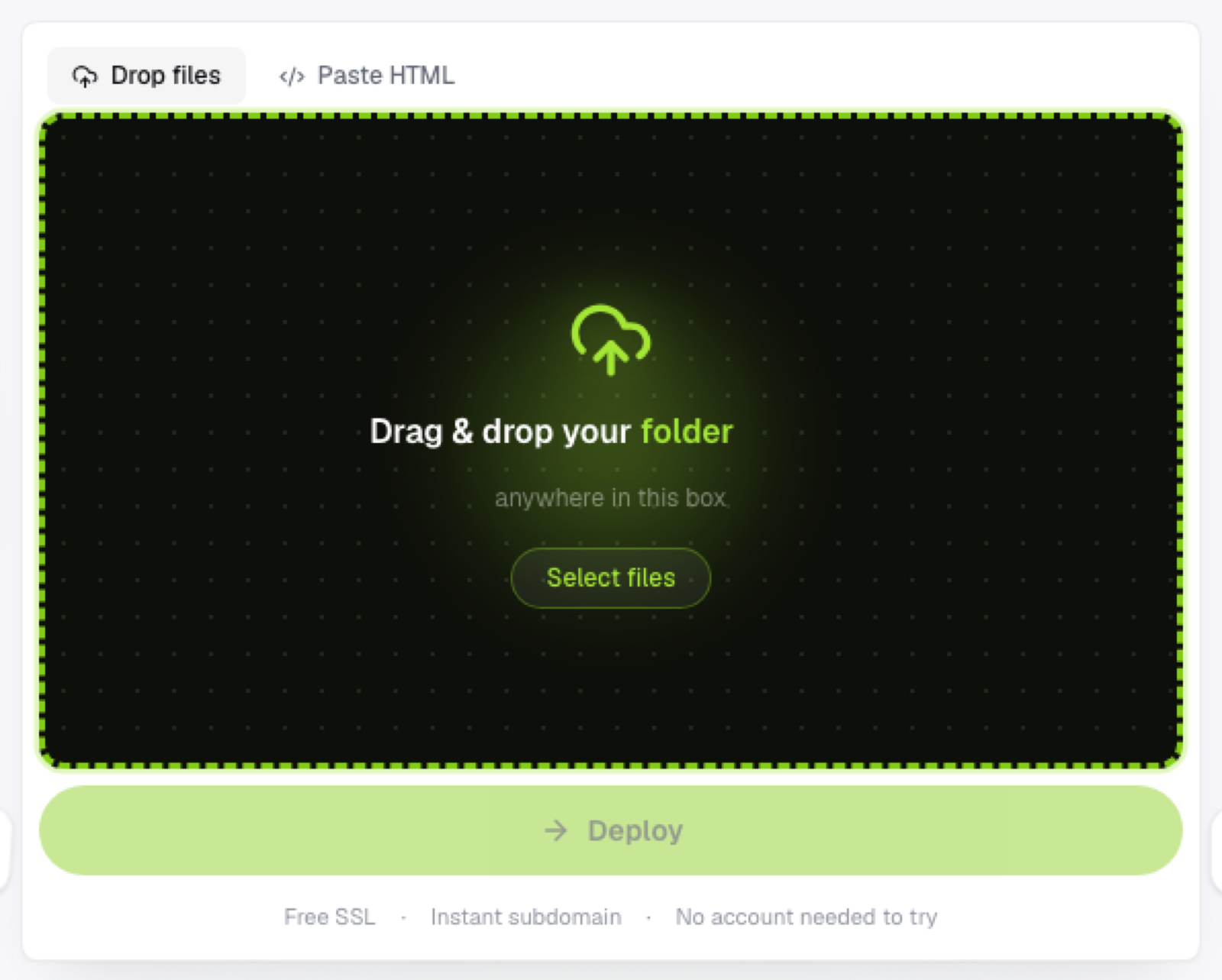
Open a browser, drop the folder or .zip you already have, get a link back. No repository, no commit history to maintain, no branch naming conventions to remember six months from now.
That's the entire model behind Flaash. Upload static assets (HTML, CSS, JS, images, fonts) as a folder or a single .zip archive, and it's unpacked and live on a *.flaash.live subdomain immediately, HTTPS included by default:
There's no build step, because there isn't one to run. What you upload is exactly what gets served.
When GitHub Pages is still the better call
If you're already comfortable with Git, want free hosting tied to your existing repo, and want a custom domain via a CNAME file, GitHub Pages remains a solid, no-cost choice, especially for open-source docs and project sites where the repo is already the source of truth.
The honest tradeoff
Custom domains aren't available on Flaash right now; every site gets a subdomain under flaash.live. If a custom domain on day one is non-negotiable, GitHub Pages (or another Git-based platform) covers that where a pure upload-based host currently doesn't. But if what you actually want is the fastest possible path from "files on my computer" to "live link," skipping Git is the bigger win for most people, most of the time.
Frequently asked questions
Do I lose version history by not using Git? Yes, in the sense that there's no commit log. If version history matters to your project, keep the source files under Git locally or in a private repo, and just deploy the built output without a repo behind the deployed copy itself.
Can I move a project from GitHub Pages to a no-Git host later? Generally yes, since the deployed output is just static files either way. Export or copy the same HTML/CSS/JS you'd otherwise push to a gh-pages branch, and upload it directly instead.
Is a subdomain enough if I eventually want my own domain? For getting started, yes. Most projects validate the site on a subdomain first and add a custom domain later, once it's clear the project's worth that investment.