
What is static site hosting?
A plain-language explanation of static site hosting — what makes a site 'static,' how hosting it differs from a traditional server, and when it's the right fit.
Updated 2026-08-30
Static site hosting is the practice of serving a website's files, HTML, CSS, JavaScript, images, fonts, exactly as they are, with no server-side processing happening in between a request and the response. Whatever's in the file is what the visitor gets, every single time, for every visitor, without exception.
"Static" versus "dynamic"
A static page is the same for every visitor: the HTML was written, or generated, ahead of time, and the server's only job is handing it over as-is. A dynamic page is built, or partly built, at the moment it's requested, pulling from a database, checking who's logged in, rendering content specific to that request. A blog with a comments section, a logged-in dashboard, or an e-commerce cart are dynamic. A portfolio, a landing page, or documentation are usually static, even when they look polished and interactive on screen.
Why "hosting" looks different for static sites
Because nothing needs to run on the server, static hosting doesn't need most of what traditional hosting provides. No database, no application runtime, no server-side language, no process to keep alive and monitor around the clock. The host's job shrinks down to two things: store the files, and serve them quickly and securely to whoever asks. That's a much smaller problem to solve, which is why static hosting can be faster to set up, cheaper to run, and require far less ongoing maintenance than the alternative.
What you get with a good static host
Speed, since with no server-side computation per request, static files can be served extremely fast, especially from a CDN close to the visitor requesting them. Security, since with no database or server-side code to exploit, the attack surface is much smaller than a traditional dynamic application would have. And simplicity, since deploying is usually "upload your files," not "provision a server, configure it, and keep it patched" indefinitely.
On a host like Flaash, that simplicity extends all the way to the workflow itself:
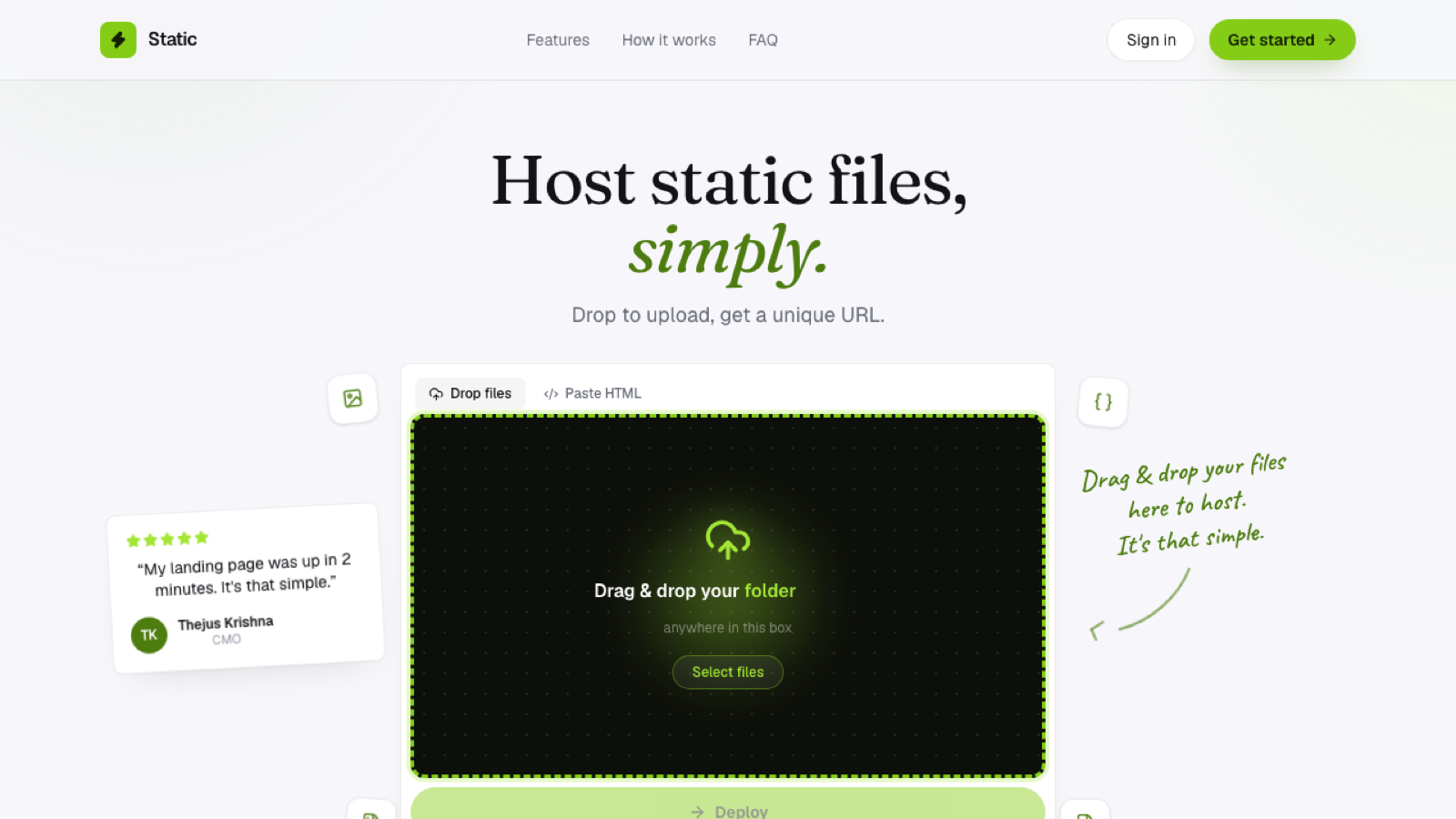
Drop a folder or .zip in the browser, and it's live on an HTTPS subdomain immediately, no build step, no server to configure, because the whole model is built around there not being one in the first place.
When you need more than static hosting
If your site needs to run code on request, user authentication against a backend, a database-backed search, personalized content, that's beyond what static hosting alone provides. Many modern sites solve this by staying static for everything that can be static, and calling external APIs from the browser for whatever genuinely needs to be dynamic, rather than making the entire site dynamic just for one feature.
Frequently asked questions
Can a static site still have interactive elements? Yes. JavaScript running in the visitor's browser can add plenty of interactivity, animations, form validation, client-side filtering, without the site becoming dynamic in the hosting sense, since none of that requires the server to compute anything.
Is static hosting only for simple sites? No, complexity on screen and complexity on the server are different things. A visually rich, highly interactive site can still be entirely static if nothing on it depends on server-side logic.
How do I know if my project needs static or dynamic hosting? Check whether any part of the page's content depends on who's requesting it or what they've submitted. If every visitor gets the same HTML, it's static, regardless of how sophisticated the client-side experience feels.