
Static hosting for freelancers and agencies
Client work means constant previews, revisions, and handoffs. Here's how drag-and-drop static hosting fits a freelance or agency workflow specifically.
Updated 2026-08-30
Client work has a specific hosting problem that personal projects don't run into. You're constantly producing work-in-progress versions that need to be reviewed by someone who isn't technical, on a schedule you don't fully control, and every round of revisions adds another version you need to keep track of.
What that workflow actually needs
A link you can send without explaining anything. No "install this," no "open this file with," just a URL that works the moment they click it.
A way to keep revisions organized, so round two doesn't overwrite round one before the client's even approved it, and so you don't need a new hosting setup for every client or every project you take on.
Fast turnaround matters too. If a client asks for a same-day preview, the hosting step can't be the bottleneck standing between you and sending it.
And nothing the client needs to sign up for. Adding friction on their end is a fast way to slow down approvals that should take five minutes.
How this maps to projects and variants
Treat each client engagement as a project, and each round of revisions as a variant under it. That gives every version, first draft, revision two, final approved, its own live subdomain, so nothing gets overwritten and you can always pull up "what did we show them in round one" if a dispute comes up later.
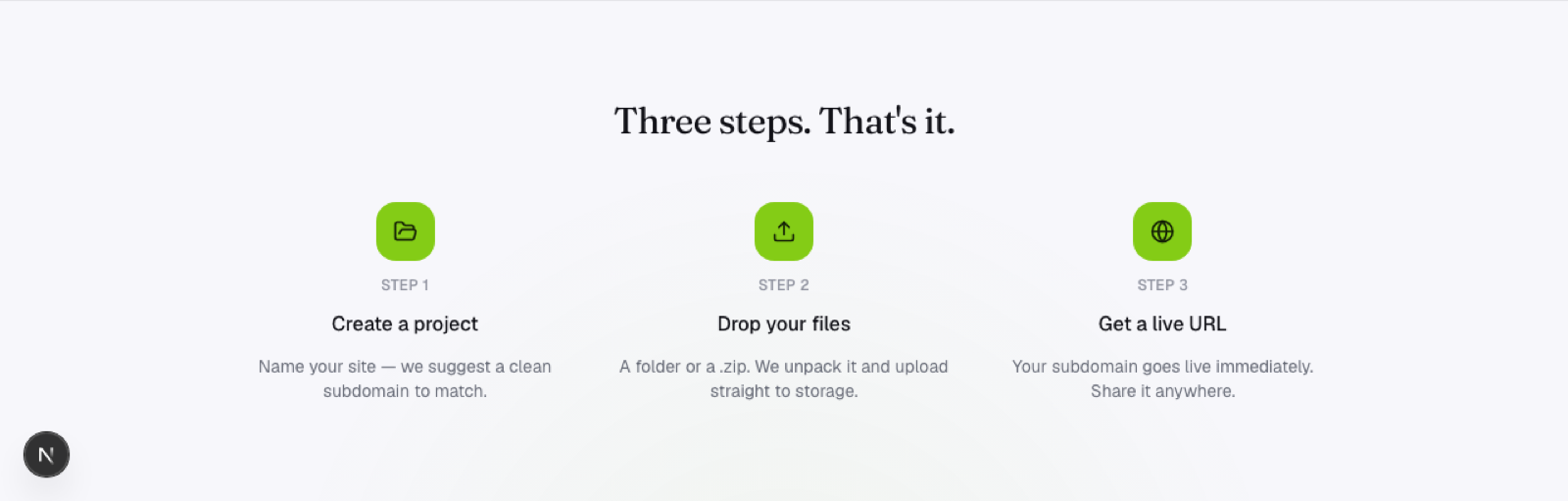
When the client approves a version, that variant's link is what you hand off or point a custom domain at eventually. Everything before that stays available as a record of the process, which is often more useful than you'd expect when a client asks "what did the first draft look like again?"
Handling volume
Agencies and freelancers juggling multiple clients benefit from a workflow that doesn't require a new account or hosting setup per project. Create a project per client (or per site), deploy as many variants as the revision cycle needs, and keep everything under one place instead of scattered across ad hoc tools and forgotten download links.
Why drag-and-drop specifically fits this work
Agency and freelance output is very often static: landing pages, marketing sites, portfolios built in a design tool or hand-coded, with no backend to speak of. That means the hosting step should be as fast as the design step: export, drop the folder, send the link. No Git repo needed for a project that will only ever have a handful of deploys before it ships.
Frequently asked questions
How should I organize projects across many different clients? One project per client (or per site, if a client has several) keeps things clean, with variants inside each covering the revision history for that specific engagement.
What happens to old client variants once a project ships? They stay live under the project unless you remove them, which is often useful as a record, but you can also clean up old drafts once a project is fully wrapped up if you'd rather keep things tidy.
Can clients leave feedback directly on the preview link? Not through the hosting platform itself, that typically happens through whatever channel you're already using (email, a shared doc, a comment tool), separate from the live preview link itself.