
How to send a client a live preview link
Stop sending screenshots and zip files for client review. Here's how to turn a work-in-progress site into a real link they can click and scroll through.
Updated 2026-08-30
Screenshots lose interactivity, PDFs lose responsiveness, and a zip file asks the client to do work just to look at what you made. A live link fixes all three problems at once: they click it, it renders in their own browser, and it behaves exactly like the finished site eventually will.
Why a real link beats every alternative
They can actually interact with it, scroll, click, resize the window, instead of judging a static image frozen at one point in time. It works on their phone too, which matters if the site needs to be responsive and a screenshot simply can't demonstrate that. And you can send it in a two-line message, not an email with an attachment and instructions for how to open it.
Getting a preview live without exposing unfinished work everywhere
You don't need the client-facing preview to be the final production URL. Deploy the work-in-progress version to its own link, separate from wherever the finished site will eventually live, so you can share it, gather feedback, and keep iterating without worrying about search engines or random visitors stumbling onto an unfinished page.
This is exactly what a project/variant structure is for: keep the client review copy as its own deployable version, with its own subdomain, distinct from what (if anything) is already live in production.
The actual steps
Have the current state of the site ready as static files, export or build it, whatever that means for your particular workflow. Then drop the folder onto a browser-based host:
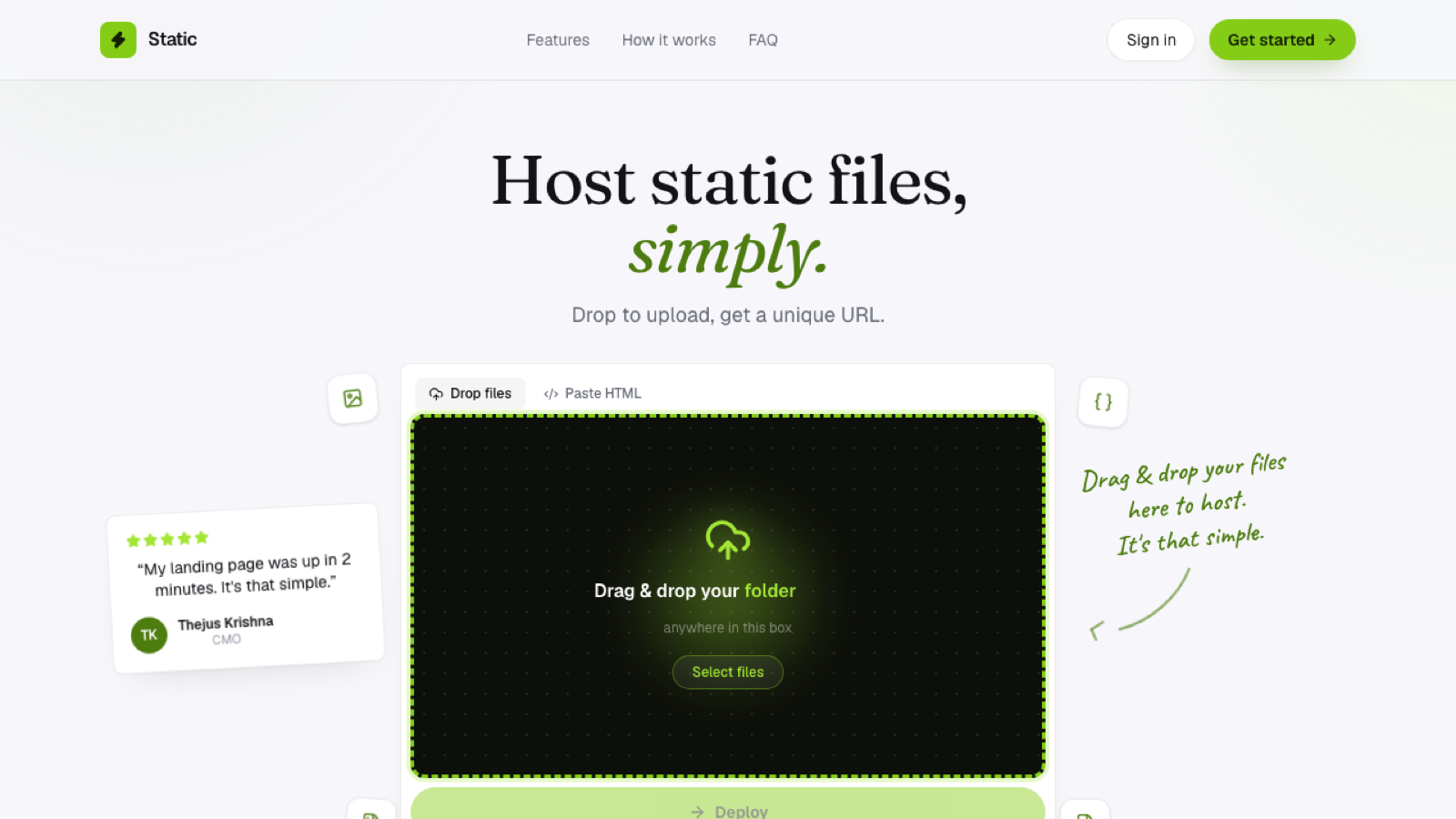
No need for the client to have any account or software installed; the link works for anyone who clicks it. Copy the link and send it, with a note on what changed since the last round if this isn't the first review. When you get feedback and make changes, redeploy the same variant; the link stays the same, so there's no need to re-send a new URL every round.
What this replaces
If your current process involves zipping files, screen-recording a walkthrough, or exporting static screenshots for approval, a live link removes a step for you and gives the client a genuinely better way to review. They get the real thing, not a description of it.
Frequently asked questions
Should I use the same link for every revision round, or a new one each time? The same link, redeployed. It's easier for the client to keep track of, and there's no confusion about which link is the current version.
How do I let the client know what specifically changed? A short note alongside the link (in the same message, or as a comment on the preview itself if your workflow supports that) works better than expecting them to spot every change themselves.
Is a live preview link secure enough for sensitive client work? It's not password-protected by default, similar to any shared link. For most client review purposes that's an acceptable tradeoff, but if the content is genuinely sensitive, that's worth a separate conversation about access control.