
A Surge.sh alternative for the browser
Surge.sh publishes static sites from a terminal command. If you'd rather skip the CLI and npm install, here's a browser-based alternative.
Updated 2026-08-30
Surge.sh is well-loved by a specific kind of user: someone already at a terminal, comfortable with Node and npm, who wants to publish the current folder with one command and get back to work. Install the package, run surge, done. No dashboard, no drag-and-drop UI, no browser step at all.
That design is the entire point of Surge, and it's genuinely efficient if a terminal is already where you live. It's also exactly where it stops being useful for anyone who doesn't.
Where the CLI-only model runs into trouble
Non-technical teammates simply can't use it. If you want a designer, marketer, or client to publish or update a site themselves, handing them a terminal command isn't realistic, no matter how short the command is.
It also assumes a working Node and npm environment, a fair bet on a developer's own laptop, not on a shared or locked-down computer someone else is using.
And there's no visual confirmation before publishing. You run the command, trust that it worked, and check the resulting URL after the fact. There's no dropzone showing you what's about to go live before it does.
A browser-based alternative
If what appeals to you about Surge is "just publish this folder," but you'd rather not install a CLI tool to make that happen, a drag-and-drop host gets you the same outcome through a browser instead.
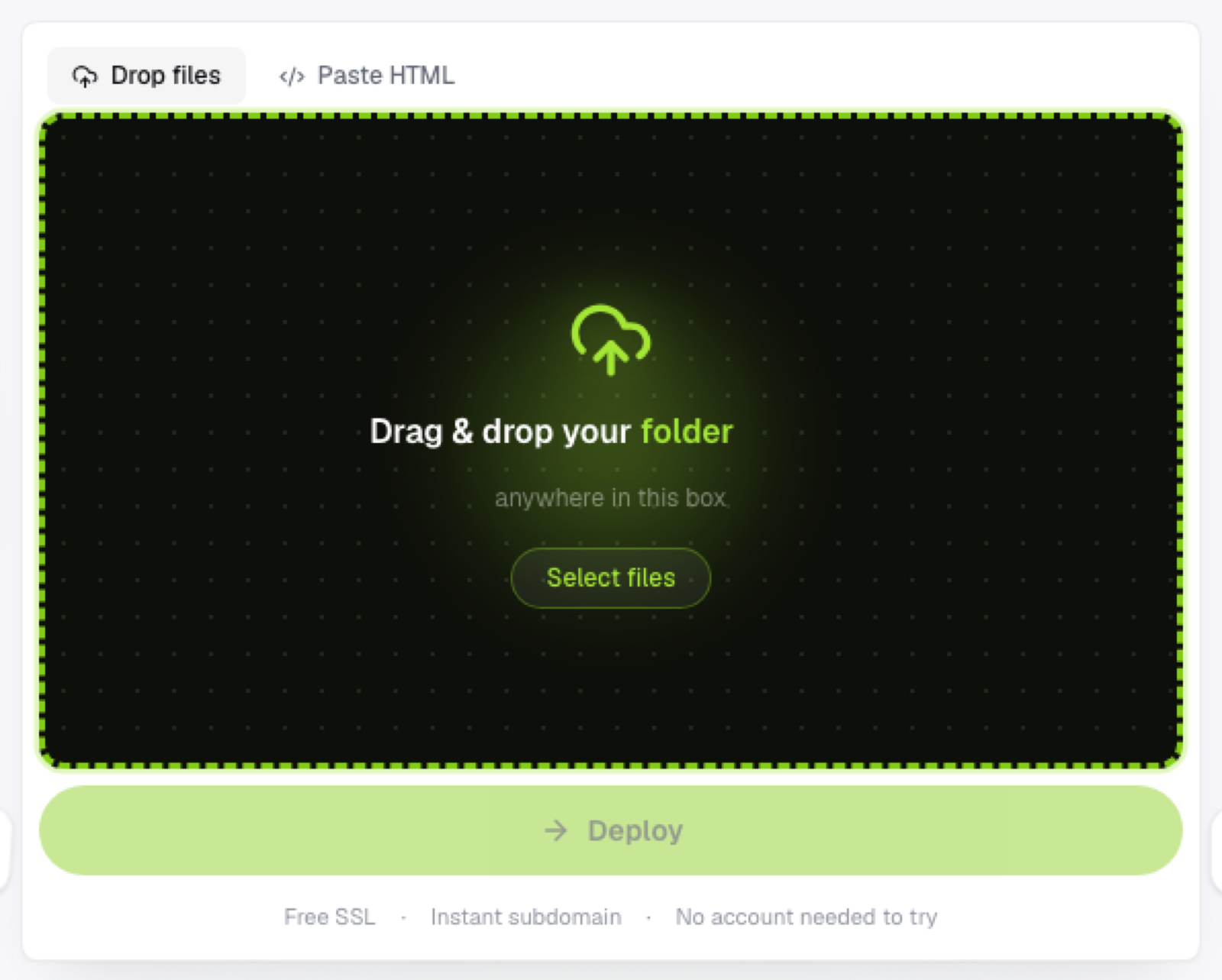
With Flaash, you drop a folder or .zip directly onto the page. No install, no terminal, no global npm package to remember the flags for. It's unpacked and live on an HTTPS subdomain within seconds.
This also opens the workflow up to anyone on the team, not just whoever happens to have Node configured locally. Projects and variants keep multiple deployable copies of a site organized, so re-publishing an update is another drop, not another command.
When Surge is still the right call
If you're scripting deploys as part of a larger build process, or specifically want a one-line CLI command wired into a package.json script, Surge's terminal-first model is doing real automation work a browser upload can't replace. For everything else, a browser is one less tool to install and one less thing that can break in an environment you don't fully control.
Frequently asked questions
Is a browser upload as fast as running a CLI command? For a single deploy, yes, they're comparable. The CLI wins when you're deploying repeatedly as part of an automated script; the browser wins when a human is doing the deploying and shouldn't need a terminal to do it.
Can non-developers actually use a browser-based host without help? That's the point of it. Dragging a folder onto a page doesn't require explaining npm, package installation, or command-line flags to someone who's never used a terminal.
What if my team already has Surge wired into CI? Keep it there. Automated pipeline deploys and one-off manual uploads solve different problems, and there's no reason to rip out working automation just because a browser alternative exists for the manual case.