
Zip file hosting: upload and get a live URL
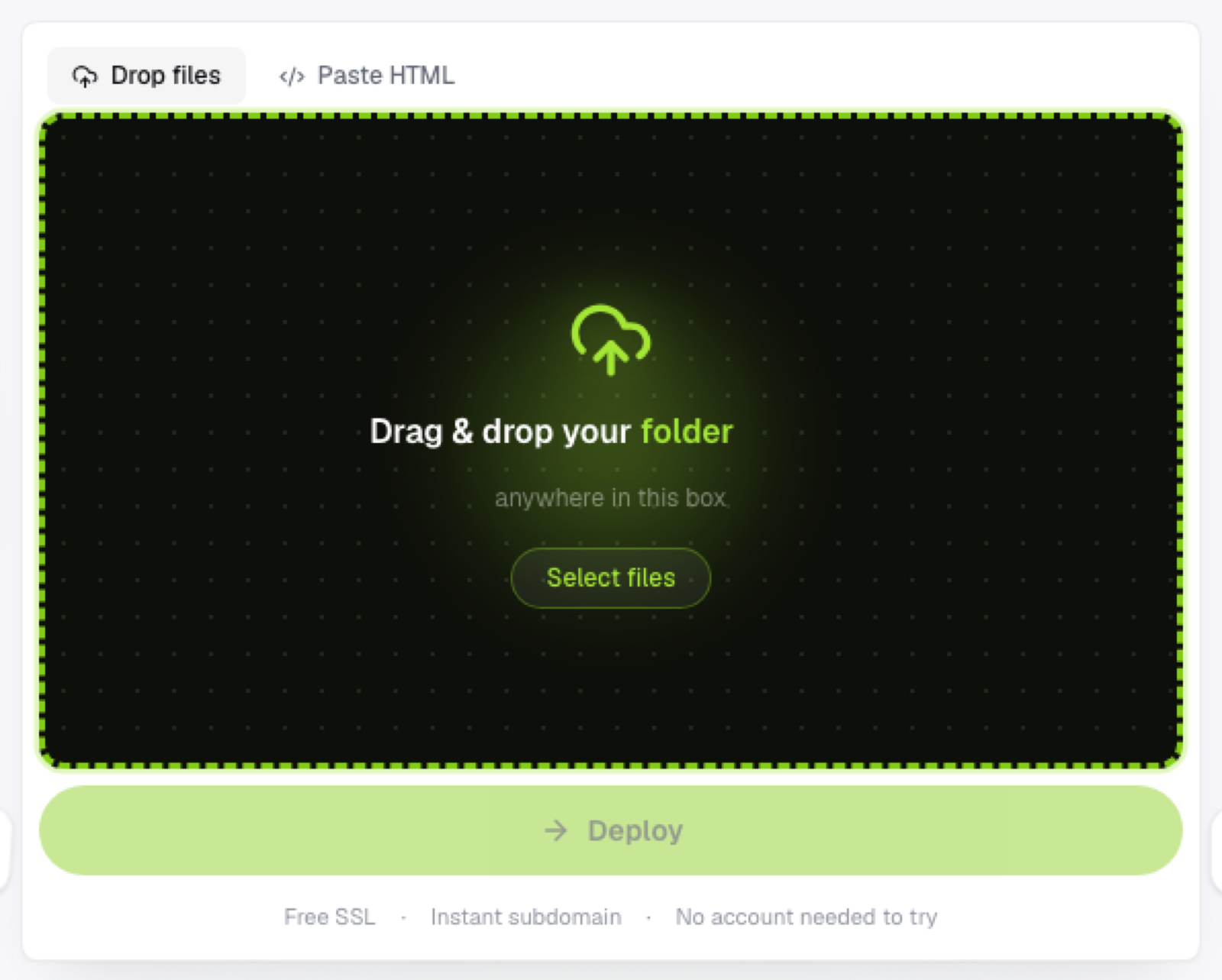
Upload a .zip archive and get it unpacked and served as a live website automatically — no manual extraction, no build step.
Updated 2026-08-30
A .zip archive is often the most convenient way to move a folder of files around: one file to upload instead of dozens, with the folder structure preserved inside it exactly as you built it. Good static hosts take advantage of that directly. Upload the zip, and it's unpacked and served automatically, with no manual extraction step required on your end at any point.
Why zip specifically is a good upload format
It's one file instead of many, faster and more reliable to upload than dozens of individual files, especially over a slower connection where every extra request adds latency. The structure inside stays exactly as it was; the folder hierarchy inside the zip is exactly what gets served, so relative paths between your HTML, CSS, and assets stay intact without you having to check each one. It's also a common export format already; most build tools, static site generators, and design tools that let you export a project default to a zip archive as the output.
What happens after you upload
The host extracts the archive and serves the contents as-is; whatever index.html sits at the root becomes your homepage, and every other file in the archive is available at its corresponding path underneath it. There's no build step involved. What's in the zip is exactly what's served, nothing added, nothing transformed.
Structure matters
The most common issue with zip uploads is an extra nesting level, zipping a parent folder instead of the folder's contents, which results in index.html sitting one directory deeper than expected. If your deployed site looks empty or broken after upload, this is the first thing to check before assuming something else went wrong.
Where this fits in a workflow
It's especially useful when you're deploying build output from a static site generator; zip the dist, build, or public folder specifically, not the source project around it. It also helps when sending a project between machines or people and wanting it hosted, not just archived and forgotten in a downloads folder. And it's the natural choice when you have a large number of files and want one upload instead of selecting them individually one at a time.
Once uploaded, it behaves exactly like a folder upload would: same instant HTTPS subdomain, same lack of build step, same ability to redeploy an updated zip later without any extra configuration.
Frequently asked questions
Is there a size limit for zip uploads? Practical limits depend on the host, but typical static sites (HTML, CSS, JS, a reasonable number of images) rarely come close to hitting any meaningful ceiling.
Do I need to remove hidden files before zipping? Not usually a problem functionally, though it's cleaner to zip only the files you actually want publicly accessible, since anything in the archive gets uploaded and served.
Can I re-upload a corrected zip if I made a mistake the first time? Yes, just upload the corrected archive to the same project; it replaces what's live without needing to reconfigure anything on the hosting side.