
The best way to host a single HTML file
You have one HTML file and want a link, not a hosting project. Here's the fastest way to get it online — with or without a folder of assets.
Updated 2026-08-30
Sometimes the entire "project" really is one file. A quick prototype, a one-off report, something you exported from a tool, or a page you wrote by hand in ten minutes. Setting up a repository or a full hosting account for that is disproportionate to the job. Here's what actually gets it online fastest, depending on what's inside the file.
Check whether the file is self-contained first
Open it in a text editor and look at the <head> and around the body. If the CSS and JavaScript are inline (or loaded from a CDN via <link> or <script> tags pointing at full URLs), the file is self-contained: it doesn't depend on anything sitting next to it on disk. That's the easy case.
If instead you see something like <link href="style.css"> or <img src="logo.png"> with no folder path in front of it, the file depends on local assets sitting alongside it, and that changes what you need to upload.
Self-contained files: paste, don't upload
If your file is self-contained, you can skip uploading a file entirely. Copy the raw HTML and paste it directly into a host that accepts pasted markup. Flaash's paste mode does exactly this:
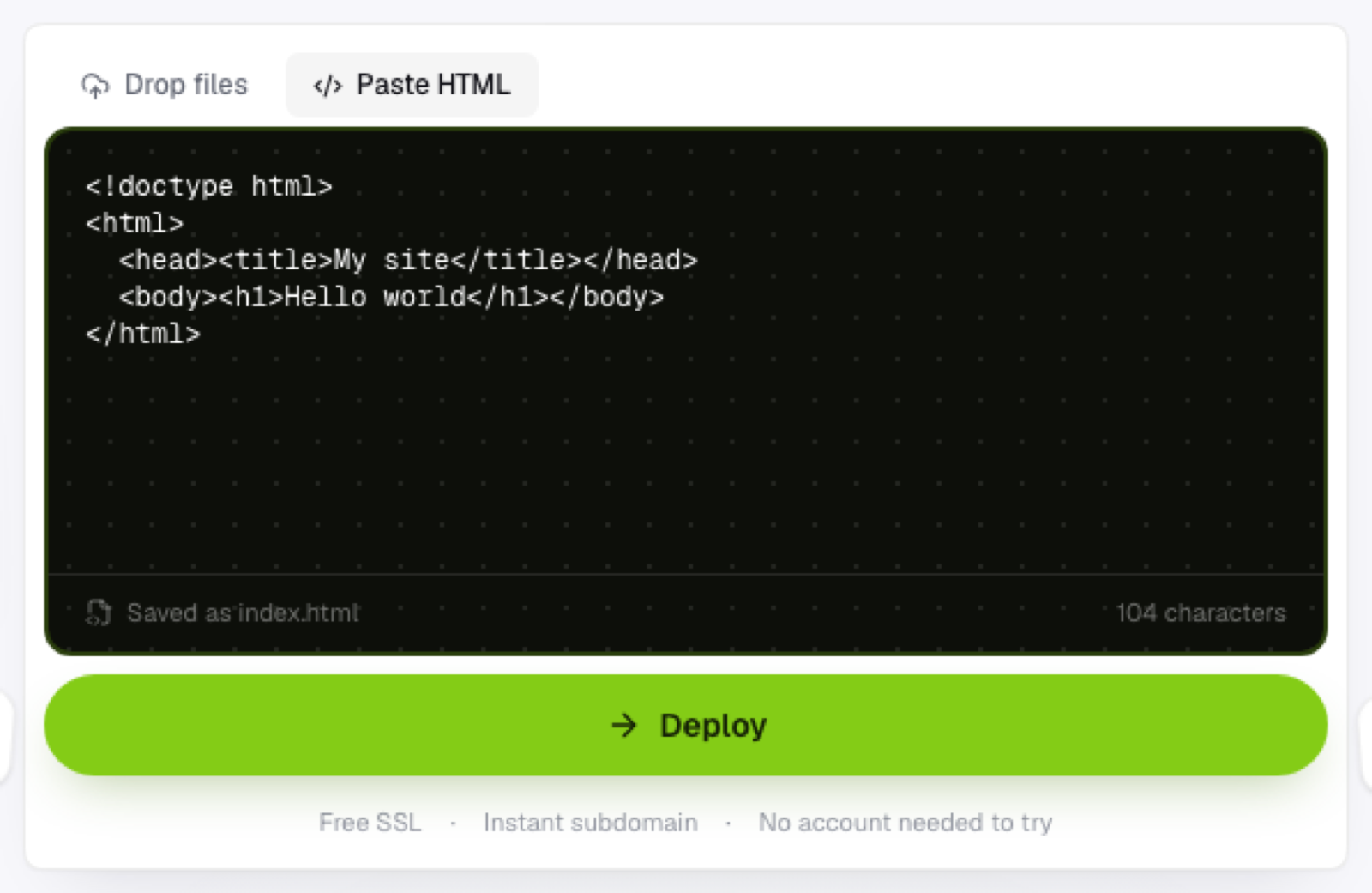
Paste it, hit deploy, and the content is saved as index.html and served immediately. No file picker involved, no drag gesture required.
Files with local assets: upload the whole folder
If your HTML references a separate stylesheet, script, or image, pasting the HTML alone won't work. The browser has no way to resolve those relative paths from pasted text; it needs the actual files sitting next to each other. Put the HTML file and its assets in a folder together, keeping the same relative structure they already have, and upload the folder rather than just the HTML file.
Why this beats setting up "real" hosting
For a single file, the traditional hosting checklist (buy a domain, configure DNS, set up a server or static-host account, wait for propagation) is enormous relative to the actual job. A host built around instant browser uploads skips essentially all of it: paste or drop the file, and you have a live HTTPS link in seconds, no account required just to see it work.
When you'll want more than a single file
If the page grows (more sections, more assets, more than one page), the same upload flow scales up to a full folder or .zip without needing to switch tools. What started as "one file" becoming "a real site" doesn't require starting over.
Frequently asked questions
How do I tell if pasting broke my page? If images are missing or the page looks unstyled after pasting, that's the tell that you needed to upload a folder instead. Switch to uploading the file and its assets together.
Can I paste HTML that includes a <script> tag? Yes, inline scripts work the same way as inline styles. What won't work is a script tag pointing at a local file path like src="script.js", since there's no local file for a pasted snippet to reference.
Do I need to rename my file to index.html before uploading? No. A pasted snippet is automatically saved as index.html. If you're uploading a folder, keep whatever your entry file is actually named, as long as your host's convention (usually index.html) matches it, or you point to it directly.