
How to preview an HTML file online without downloading it
Someone sent you an HTML file and you need to see it rendered in a real browser — not opened locally. Here's the fastest way to preview it online.
Updated 2026-08-30
Opening an HTML file locally, by double-clicking it or dragging it into a browser tab, works for a quick look, but it's not quite the same as seeing it the way an actual visitor would. Some things behave differently under file:// compared to a real HTTPS URL, and there's no way to send a local file preview to someone else without also sending the file.
Why local preview isn't always enough
Some scripts and fetch requests silently fail when a page is opened from your local filesystem instead of served over HTTP or HTTPS. That's a browser security restriction, not a bug in the page itself, and it can make a page look broken locally when it would work fine once actually hosted.
Relative asset paths can also behave inconsistently between a local file and a real server, and you can't share what you're looking at. A file on your computer isn't a link anyone else can open.
If you need a true preview, one that reflects real hosting conditions and that you can hand off to someone else, the file needs to actually be served somewhere, even temporarily.
The fastest way to get a real preview
Get the HTML file, or the folder if it references other assets, then drop it onto a browser-based static host:
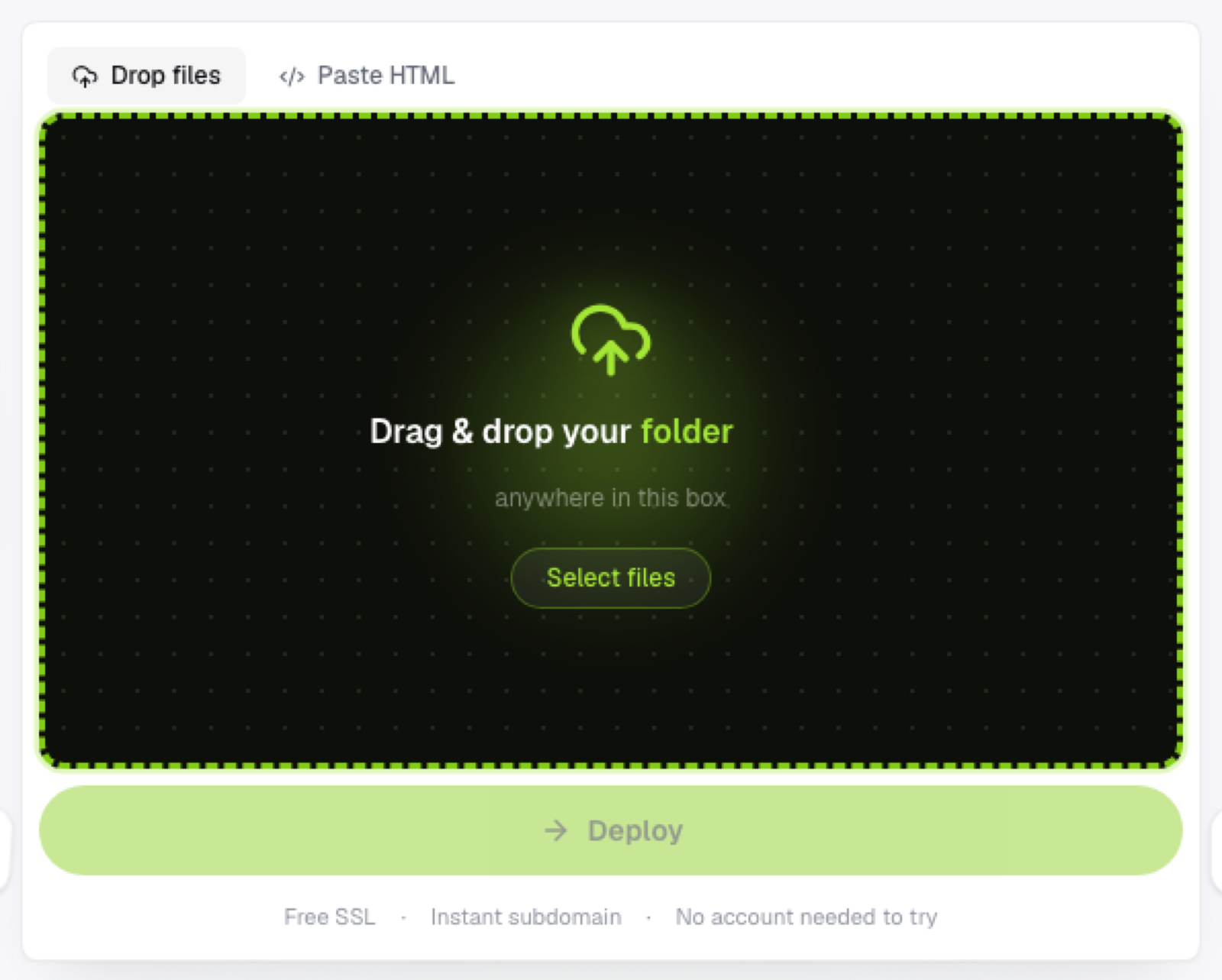
No account should be required just to see it deployed. Open the link it gives you back. This is now a real HTTPS-served page; scripts, fetches, and relative paths all behave the way they will once it's genuinely live.
Share the link if you need to, instead of describing what you're looking at over a call or in a chat message.
This is faster than it sounds in practice. With Flaash, a dropped file or folder is live within seconds, so "preview it online" and "deploy it" end up being the same action, not two separate steps.
When you don't even need a file
If the HTML is self-contained (inline styles and scripts, no local asset references), you can skip the file entirely and paste the raw markup directly into a host that supports it, no drag-and-drop needed, just paste and view.
If the preview looks broken
A page that renders fine locally but breaks once hosted usually means a relative path assumption that doesn't hold once served from a different location. Check asset paths first; it's the most common cause by a wide margin.
Frequently asked questions
Is a real preview link the same as production hosting? It can be, depending on your host, but there's nothing stopping you from treating it as a temporary preview and deploying a different, final version later once you're done reviewing.
Why does my page work locally but not when I preview it hosted? Almost always a relative path issue, or a script that assumed it was running from file:// instead of a real server. Compare exactly which resources fail to load in the browser's developer console.
Can I preview a page privately before making it public? A live link is technically accessible to anyone who has it, but it's not indexed or discoverable unless you share it, which functions as a reasonable private preview for most casual review purposes.