
How to turn a Figma export into a live website
Exported HTML/CSS from Figma (or a similar design tool) and want it live? Here's how to go from export to a real URL without writing code.
Updated 2026-08-30
Design tools that export to HTML and CSS get you most of the way to a real website. The visual work is already done, and what you're holding is a folder of static files, not just a design file locked inside an app. The remaining step is purely hosting, not development, and it's easy to overthink it.
What the export usually looks like
A typical export is a folder containing an index.html, a styles.css or similar, and an assets or images folder, all referenced by relative paths. That structure is exactly what a static host expects, no conversion or extra build step needed on your end.
Getting it live
Export the design as HTML/CSS, keeping the default folder structure the tool gives you. Don't rearrange files before uploading unless you know exactly what you're changing; it's easy to accidentally break a relative path that way.
Avoid opening and re-saving individual files in another editor before uploading, for the same reason. Then drop the whole exported folder onto a browser-based static host:
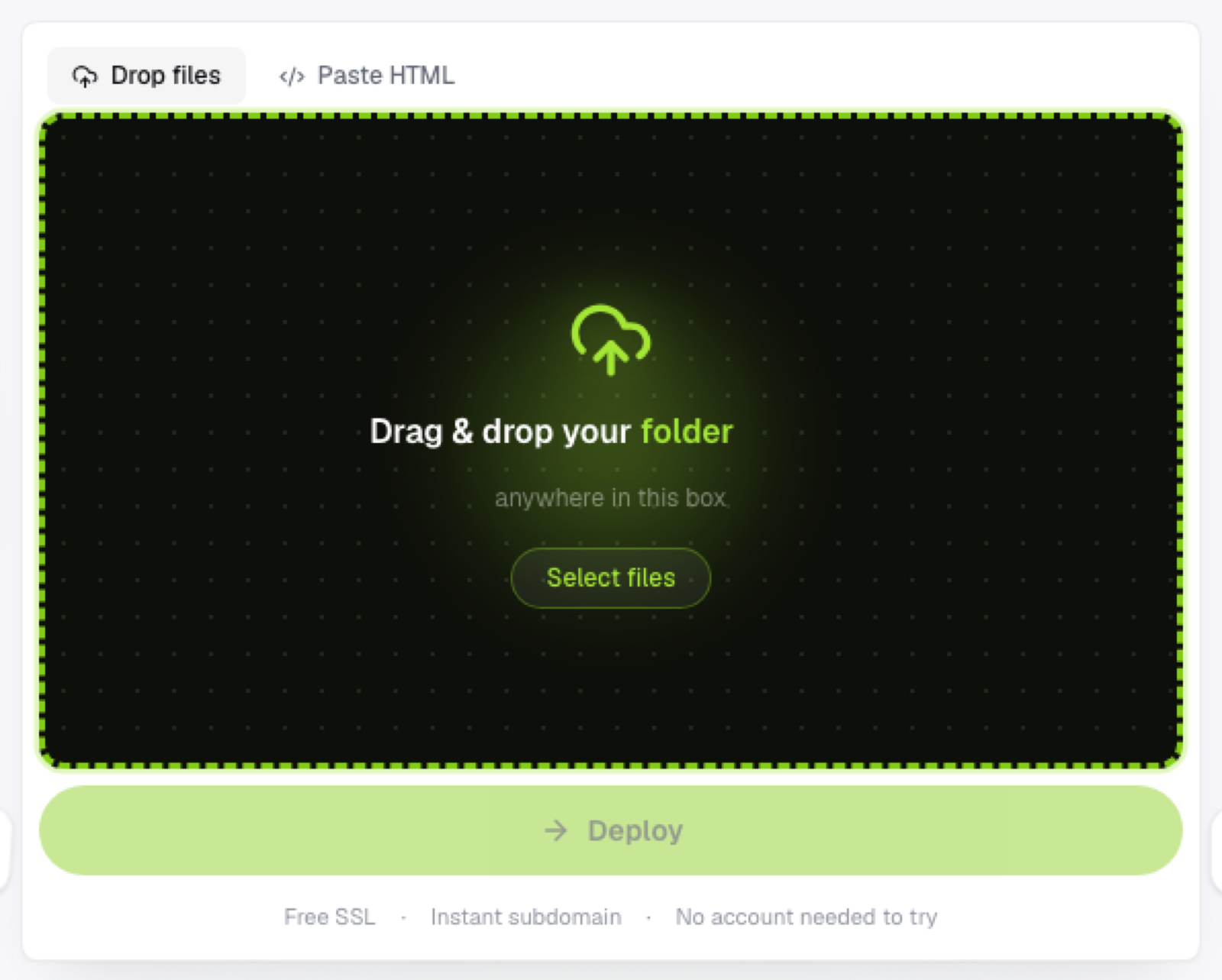
Since there's no build step for exported HTML/CSS, what you upload is what gets served immediately. Check the live link against the design once it's up; fonts, spacing, and images should match exactly, since nothing was recompiled in between the export and the deploy.
Common issues after deploying
Missing fonts usually mean the export assumed locally installed fonts rather than embedding or linking them. Check whether the export includes font files or @font-face declarations before assuming the deploy itself went wrong.
Broken images usually mean the folder structure got altered before upload; re-export and upload the untouched folder rather than trying to patch individual paths.
Links that don't go anywhere often mean the export included placeholder links for interactive elements that weren't part of the design tool's actual scope; these need to be added manually if you want them functional.
Why this skips "real" development
Because the export is already static HTML/CSS, there's no framework to configure and no build pipeline to set up. The entire step between "finished design" and "live website" is deployment, which is exactly what a drag-and-drop static host is built for.
Frequently asked questions
Do I need to know CSS to fix issues after exporting? For basic fixes (a broken font reference, a misaligned image path), light familiarity helps, but many issues are just re-exporting correctly rather than editing code by hand.
Can I edit the exported HTML before hosting it? Yes, it's plain HTML/CSS at that point, so any text editor works. Just be careful not to break the relative paths the export relies on when you save changes.
Will interactive design prototypes (hover states, click transitions) still work once hosted? If the export tool generated real CSS/JS for those interactions, yes. Purely in-app prototype interactions that exist only inside the design tool typically don't carry over to a static export.