
Host a no-code website builder export
Exported your site from a no-code builder? Here's how to host that static export independently, without staying locked to the builder's own hosting.
Updated 2026-08-30
Many no-code website builders let you export your finished site as static HTML, CSS, and JavaScript, a full copy of what you built, independent of the platform that made it. That export exists specifically so you're not permanently locked into hosting through the builder itself. The catch is that you still need somewhere to actually put it once you have it.
What an export usually contains
A folder with an index.html at the root, a CSS file (or several), a JavaScript bundle for any interactivity, and an assets or images folder, all referencing each other by relative path, exactly as the builder rendered them. It's meant to be served as-is, with no further build step required on your part.
Getting it live somewhere else
Export your site using your builder's export feature; this is usually a .zip download containing the full static output, ready to go. Don't unzip and rearrange the files before uploading. The export's folder structure matches what the HTML expects, and moving things around can quietly break relative paths without any obvious error message.
Upload the .zip directly to a host that unpacks archives automatically:
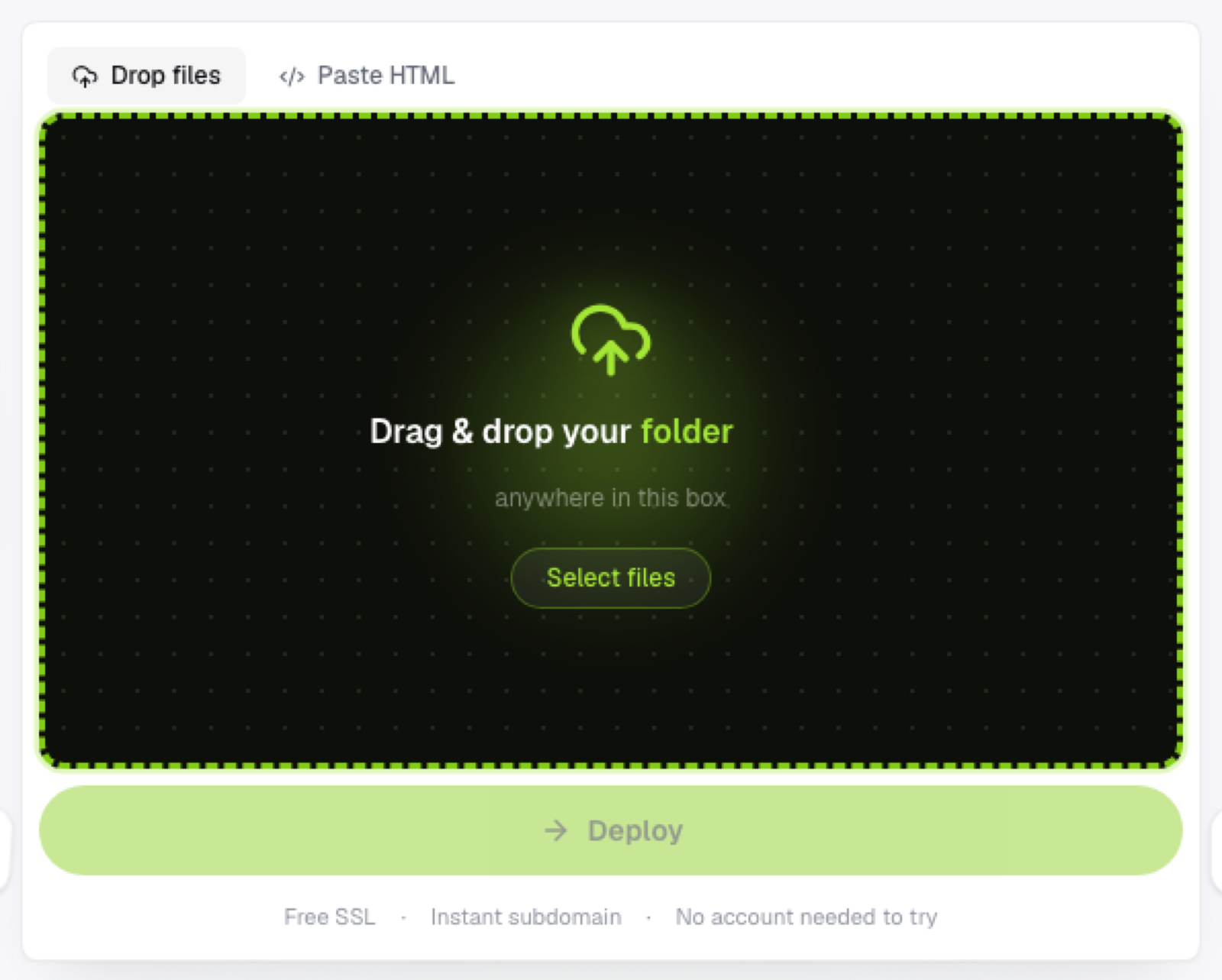
No need to extract it yourself first. Check the live link against the original in the builder once it's up; since nothing was recompiled, it should match exactly.
Why you'd host it independently at all
Cost is one reason; some builders charge specifically for hosting or custom domains, separate from the design tool itself. Portability is another; hosting the static export elsewhere means you're not dependent on one platform staying online, priced the way it is today, or supporting your specific use case indefinitely. And if you're managing multiple sites from different tools, consolidating hosting in one place is simpler than juggling several platforms' dashboards just to keep track of what's live where.
What you lose by exporting
Flaash exports are a snapshot. They won't include any builder-specific dynamic features (CMS collections, backend forms, membership logic) that relied on the platform actually running behind the scenes. If your site depends on those, exporting the static shell won't carry that functionality with it; check what your specific builder's export actually includes before assuming full parity with the live version.
Frequently asked questions
Will my site look exactly the same once hosted independently? Visually, yes, since nothing is recompiled during export. Any functionality that depended on the builder's own backend (dynamic CMS content, form submissions handled by the platform) won't carry over automatically.
Can I still edit the site after exporting it? Not through the original builder once it's hosted elsewhere; you'd edit the exported HTML/CSS/JS directly, or make changes back in the builder and re-export.
Is it worth exporting if I'm happy with the builder's own hosting? Not necessarily, exporting is most useful when cost, portability, or consolidating multiple sites under one host actually matters to you.