
How to host an AI-generated website
AI tools generate real HTML/CSS/JS output. Here's how to take what an AI coding assistant wrote and get it live on a real URL.
Updated 2026-08-30
Ask an AI coding assistant for a landing page, a portfolio, or a small tool, and what you get back is usually plain HTML, CSS, and JavaScript, sometimes as one file, sometimes split into a few. It's real, working code the moment it's generated. The only thing missing is somewhere to actually put it.
What you're actually holding
Most AI-generated web output falls into one of two shapes. Either a single HTML file with inline <style> and <script> tags, everything self-contained in one block of code, or a few separate files (index.html, style.css, script.js) that reference each other by relative path.
Either way, it's static. There's no server-side code running, no build step, no framework to configure. That makes hosting it a copy-paste-deploy problem, not a development problem.
Getting it live
If it's one self-contained file, copy the full code the AI gave you and paste it directly into a host that accepts raw HTML, no need to save it as a file first:
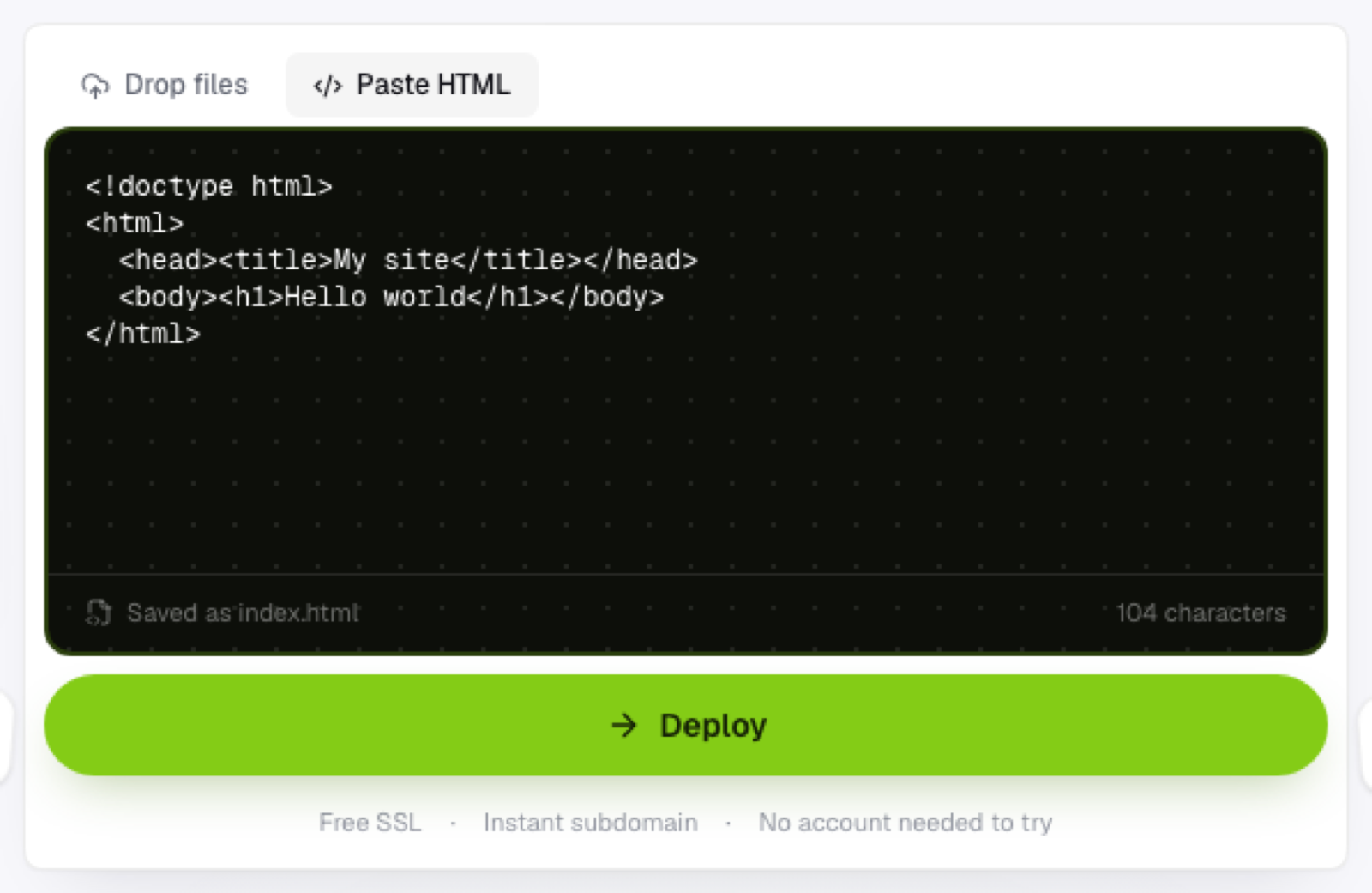
It deploys as-is, saved as index.html.
If it's multiple files, save each one locally with the filenames and structure the AI specified. Don't rename them, since the HTML references the others by name, then upload the whole folder together.
Things worth checking before you deploy
Test it locally first if you can. Open the HTML file in a browser and click through it. AI-generated code is usually solid but not infallible, and it's easier to fix issues before they're live than after someone else has the link.
Check for placeholder content too. AI output sometimes includes obvious placeholders, Lorem ipsum, your-email@example.com, that are easy to miss in a quick copy-paste, especially in a long file.
And confirm any external links or API calls are real endpoints, not placeholders the AI invented while generating the response.
Why this workflow is fast on purpose
The appeal of generating a site with AI is speed, going from an idea to working code in a single prompt. Hosting shouldn't undo that. Pasting the output directly into a browser-based host keeps the same "idea to live link" speed the generation step already gave you, without a slower, separate deployment process getting in the way afterward.
Frequently asked questions
Should I review AI-generated code before hosting it? Yes, at least a quick pass. Even solid AI output can include placeholder content or assumptions that don't match your actual use case, and it's faster to catch those before deploying than after.
Can I combine AI-generated code with my own edits before hosting it? Absolutely. Edit the file in any text editor after the AI generates it, then upload or paste the final version once you're happy with it.
What if the AI generated code that references an external library or CDN? As long as it's referencing a real, publicly available URL, those <script src="..."> tags work the same regardless of where the HTML itself is hosted.