
How to host a landing page in minutes
You've got a landing page ready and need it live fast — for an ad campaign, a launch, or a test. Here's the quickest path from files to a working URL.
Updated 2026-08-30
Landing pages are usually time-sensitive. An ad campaign starts tomorrow, a launch is scheduled, or you're testing messaging before it's worth building anything bigger. Whatever the reason, the hosting step shouldn't be what slows the rest of it down.
What a landing page actually needs
Most landing pages are static under the hood: a hero section, some proof points, maybe a form that posts to a third-party service like a mailing list provider or a forms backend. There's no server-side logic living on the page itself, which means it doesn't need traditional hosting, a database, or a backend to go live.
That's good news, because it means the entire hosting step can be reduced to two actions: upload the files, get a link.
The fast path
Export or build your page as static HTML/CSS/JS first. Whether it came from a design tool, a page builder, or hand-written code, you want the final rendered files, not the source project behind them.
Check that any form or tracking integrations still work once served from a new domain. Third-party embeds (analytics, forms, chat widgets) usually work as-is, since they're just script tags, but it's worth a quick check right after deploying.
Drop the folder onto a browser-based host:
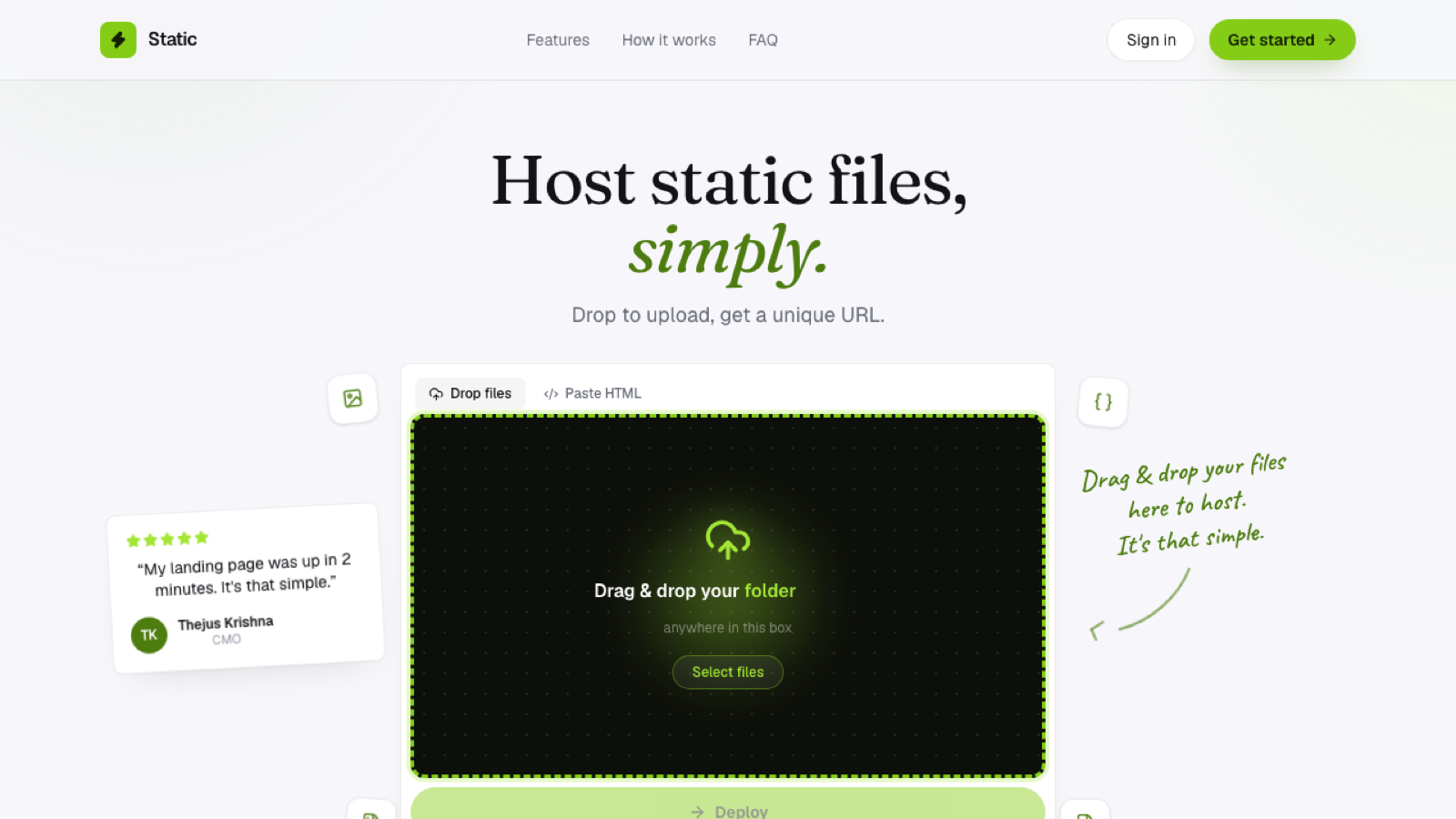
No build step, no server config; the page is unpacked and live immediately. Get your HTTPS link and point traffic at it. Ads, email campaigns, and social posts can go out the moment you have the URL in hand.
Why skip a full hosting setup for this
Setting up traditional hosting (DNS, SSL certificates, server config) can easily take longer than the campaign you're trying to support in the first place. A drag-and-drop static host removes that entirely: drop the folder, and you have an HTTPS subdomain in seconds, no account required just to see it work.
If you need to iterate on the page
Ad landing pages often go through several versions: testing headlines, layouts, or offers against each other. Rather than overwriting the same live page every time you want to test a change, look for a host that lets you keep multiple deployable versions of the same project, so you can compare variants directly without losing track of what's live where.
Frequently asked questions
Do I need to buy a domain before launching a landing page? No. A subdomain gets you live immediately; a custom domain is something you can add once the campaign proves out and the page is worth the investment.
Will my analytics and tracking scripts still work after deployment? Generally yes, third-party scripts (Google Analytics, Meta Pixel, and similar) work based on the script tag itself, not the specific host serving the page around it.
How fast is "fast" for a landing page deploy? With a browser-based static host and no build step, typically under a minute from dropping the folder to having a live, shareable URL.