
Drag-and-drop website publishing
The entire publishing workflow, reduced to one gesture: drag your files in, and they're live. Here's why this model works, and where its limits are.
Updated 2026-08-30
Traditional website publishing involves a sequence: connect to a server over FTP or SSH, or push to Git, transfer files, wait for a build or deploy step, then check whether it actually worked. Drag-and-drop publishing collapses that entire sequence into a single motion. You drag a folder onto a page in your browser, and that same action starts the upload, the processing, and the deploy, all at once.
Why this works for static sites specifically
Because a static site has no build step, there's no compilation, no dependency installation, nothing that needs to happen between "your files" and "what gets served." That means the publish step really can be that simple: what you drop is, byte for byte, what goes live. There's nothing hiding behind the gesture that a more complex pipeline would otherwise need to handle on your behalf.
What actually happens when you drop a folder
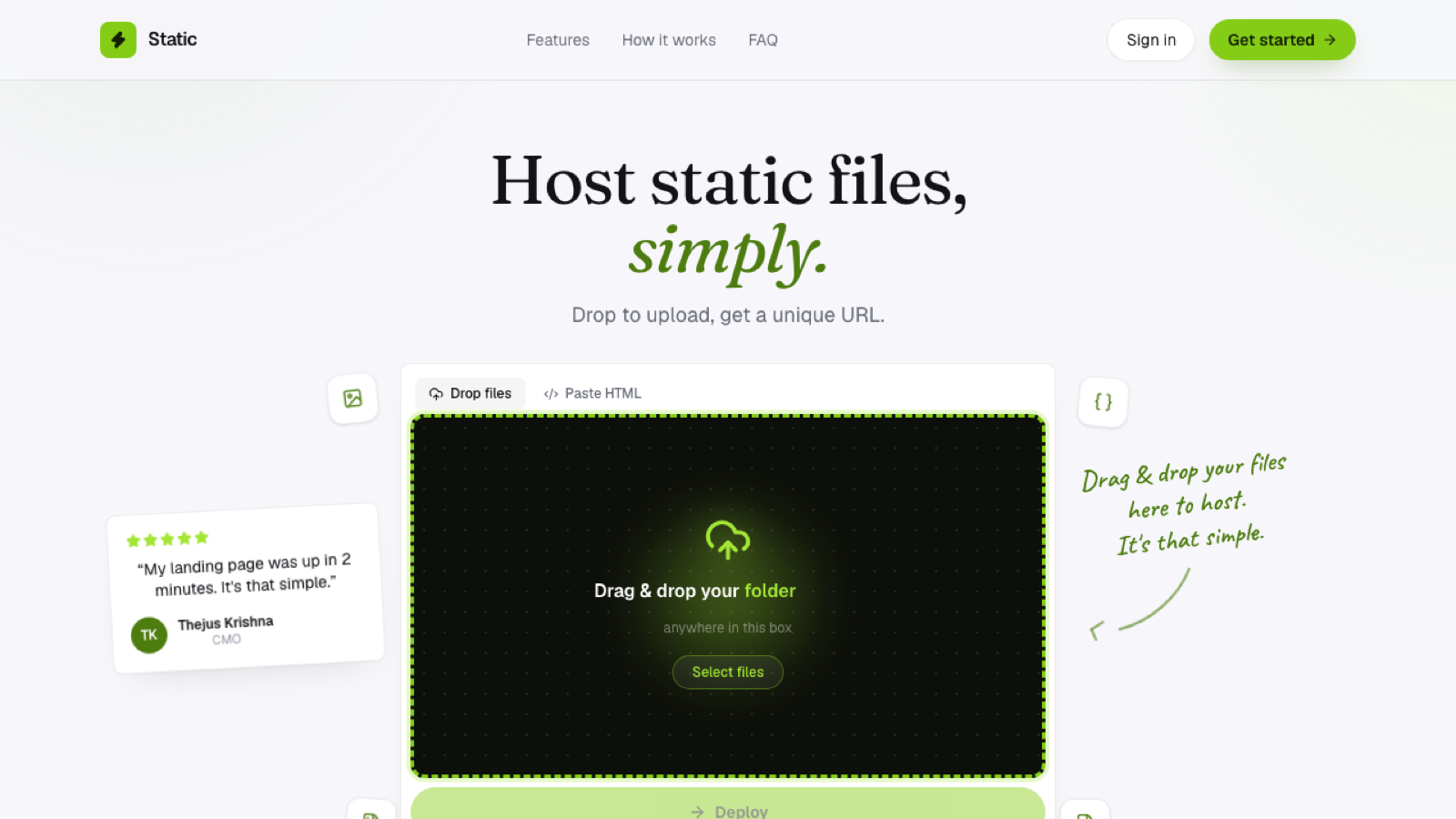
The browser reads the folder's file structure directly; no need to zip it first, though a .zip works too if that's more convenient for your workflow. Files are uploaded straight to storage, without routing through an intermediate build server sitting in between. An index.html at the root becomes the site's entry point automatically, with no configuration needed to tell the host where to start. And a live HTTPS subdomain is issued, or updated if this is a redeploy, as soon as the upload completes.
On a host built for this, the whole sequence typically finishes in seconds, since there's no queue to wait in, because there's no build to queue for in the first place.
Where drag-and-drop publishing has real limits
It's built for static content: plain HTML, CSS, JavaScript, images, and fonts. If your project needs a build step, compiling a framework, bundling dependencies, running tests before deploy, drag-and-drop publishing of the source won't do that work for you. You'd build locally first and drag in the output, or use a Git-connected platform that runs the build on your behalf instead. It also can't run server-side code; it serves files, not processes, which is a meaningful boundary worth knowing before you rely on it for something dynamic.
Why it's still worth using even if you also use other tools
Plenty of workflows involve a build step happening somewhere, locally, in CI, wherever, that produces static output at the end regardless of how it got there. Drag-and-drop publishing is the fast last step for getting that output live, no matter what produced it in the first place.
Frequently asked questions
Do I need to zip my files before dragging them in? No, a folder can be dragged directly; zipping is optional and mainly convenient for moving files between machines beforehand.
What happens if I drop the wrong folder by mistake? Most hosts let you re-drop the correct folder to replace what was just uploaded, since there's no irreversible processing step standing in the way of correcting it.
Can I automate drag-and-drop publishing as part of a script? Not directly, since it's a browser interaction by design; for automated deploys, a CLI tool or API endpoint (if the host offers one) is the more appropriate fit.