
How to deploy a website without a server
You don't need to provision, configure, or maintain a server to put a website online — if it's static, hosting is just file storage with a URL attached.
Updated 2026-08-30
"Deploying a website" and "setting up a server" have historically been the same task, so much so that the phrases get used interchangeably. For static sites, they don't need to be the same thing at all. There's a meaningful difference between a website (a set of files a browser renders) and a server (a running process that responds to requests), and only some websites actually need the second one.
Why a server isn't always necessary
A server earns its place when something needs to happen at request time, checking a database, verifying a login, computing a response specific to that visitor's session. If your site's content is the same for everyone, all the time, there's no request-time work for a server to do, which means there's no server to provision, patch, secure, or keep running in the background at all.
What replaces a server for static content
Object storage plus a way to serve it over HTTPS, ideally distributed across multiple locations so it loads quickly regardless of where a visitor happens to be. That's a fundamentally simpler system than a general-purpose server: no operating system to maintain, no process that can crash unexpectedly, no capacity planning for a workload that's genuinely just "serve this file when asked for it."
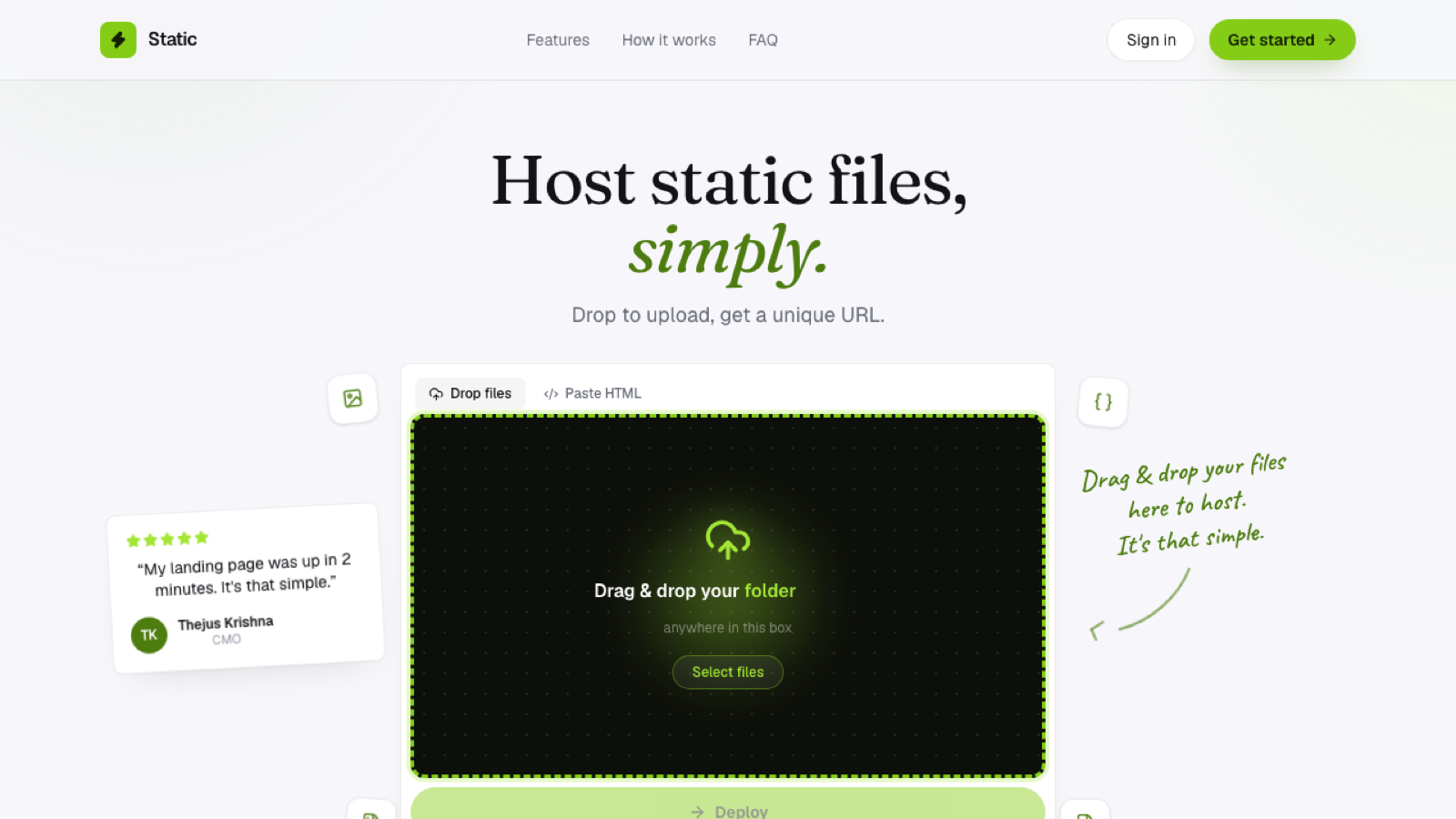
This is what's actually happening behind a static host like this one: your files go directly into storage, namespaced under your subdomain, and served from there. There's no server instance tied to your specific site that could go down, need restarting, or require a security patch on your behalf.
What "no server" changes for you practically
Nothing to configure, no operating system, no web server software like nginx or Apache to set up and tune yourself. Nothing to patch, since server security updates aren't your responsibility when there's no server dedicated to your site in the first place. Nothing to scale manually either, since serving more static files to more visitors doesn't require you to provision more server capacity ahead of time. And nothing that can crash the way a running process can hang or fall over; a file sitting in storage simply can't do that.
When you actually do need a server
If your project needs to run code, an API, a database-backed feature, authentication logic beyond what a third-party service handles for you, that genuinely requires a server, or serverless functions, somewhere in the stack. The useful distinction is architectural, not size-based: a complex-looking static site with lots of client-side JavaScript still needs no server, while a simple-looking page with one server-dependent feature does, no matter how small that one feature seems.
Frequently asked questions
Does "no server" mean my site can't call any APIs? No, client-side JavaScript can call external APIs directly from the browser; what stays absent is a server running on your behalf specifically to serve the page itself.
Is a serverless site less reliable than one with a dedicated server? Generally the opposite; object storage serving static files has fewer moving parts that can fail compared to a running server process that needs to stay up continuously.
Can I add a server later if my static site grows into something more complex? Yes, you can layer in serverless functions or a separate backend for specific features while keeping the rest of the site static, rather than needing to rearchitect everything at once.