
Instant subdomain hosting, no signup required
Try hosting a site without creating an account first. Here's how no-signup subdomain hosting works, and when you'll eventually need to sign up anyway.
Updated 2026-08-30
Most hosting products ask for an account before you've seen whether the product actually does what you need it to. That ordering is backwards for a quick test; you want to see your files live first, and decide whether to commit to an account after, not the other way around.
What "no signup to try" actually means
It means the preview step, dropping your files and seeing them ready to deploy, doesn't require creating an account first. You can drag a folder or paste HTML and immediately see it prepared, without a signup form standing between you and finding out whether the tool works for your specific files:
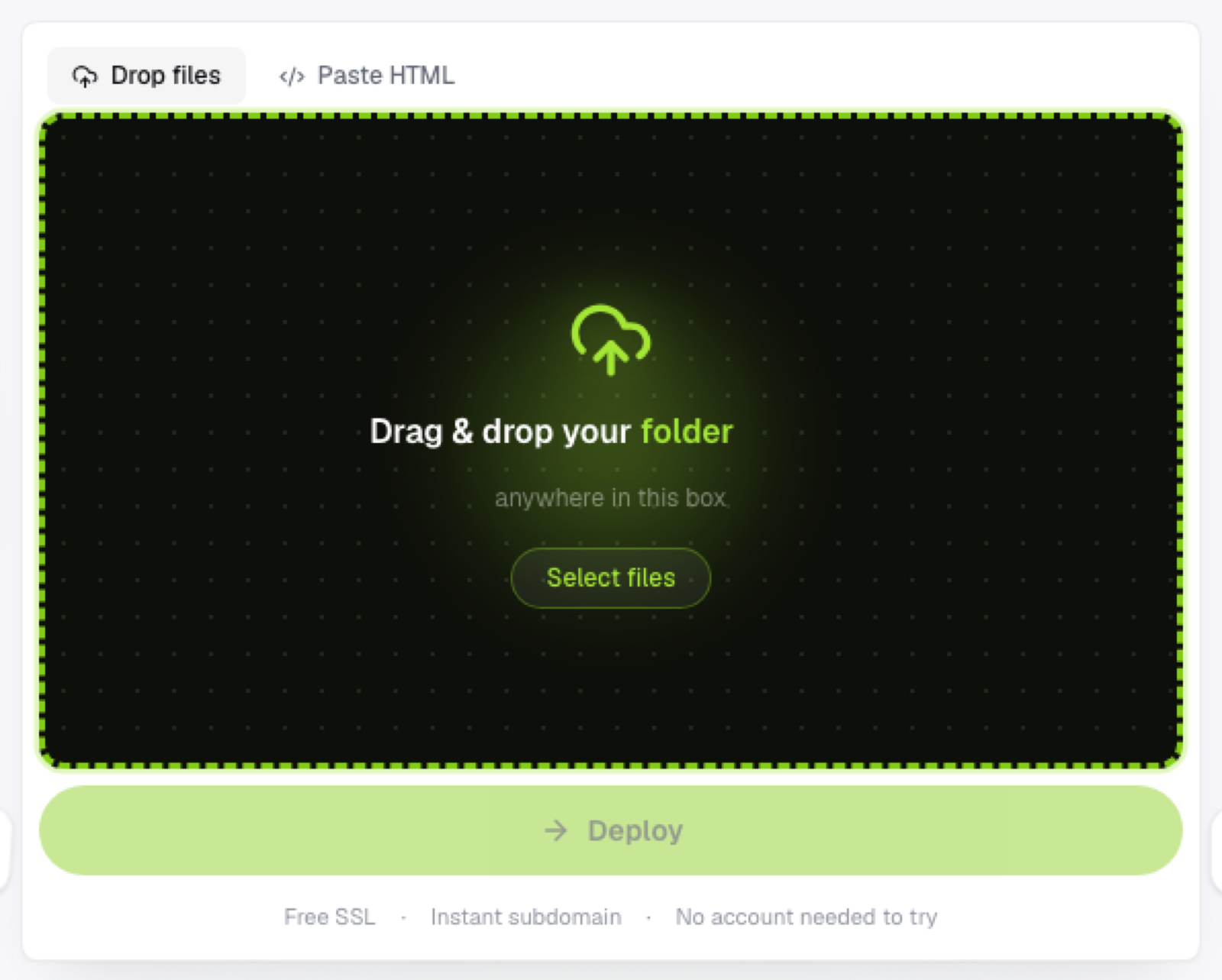
That's different from "no account, ever." Most hosts, this one included, still ask you to sign up at the point you actually want the deploy to go live and stay live. The distinction that matters is when that ask happens: before you've evaluated anything at all, or after you've already seen it work with your own files.
Why this ordering is better
You're not creating throwaway accounts for tools you end up not using after a quick look. You can evaluate multiple options quickly without a signup wall on each one slowing you down between them. And the commitment, signing up, happens once you actually want to keep something live, which is a much more reasonable point to ask for an email address.
How it works in practice
Drop your folder, .zip, or pasted HTML onto the page. It's processed and staged immediately; you can see the file count, the preview, everything short of the live public link itself. When you hit deploy, that's the point an account gets created (or you sign in), and the deploy completes right after, no re-uploading required, since what you already prepared carries straight through to the live version.
What you should still expect to provide eventually
An email (or an OAuth sign-in) at deploy time, and basic account info if you want to manage multiple projects, redeploy variants, or come back to something later. "No signup required" describes removing an unnecessary early gate, not removing accounts from the product entirely, and it's worth setting that expectation before you get attached to the idea of never signing up at all.
Frequently asked questions
What happens to my files if I don't sign up? They stay staged in your browser session but aren't published to a live public URL until you complete the deploy step, which is where the account requirement actually applies.
Can I try multiple hosts this way before picking one? Yes, that's largely the point, since none of them ask for a signup just to see whether your files upload cleanly and preview correctly.
Is there a downside to signing up only at deploy time? Not really, beyond needing to remember to complete the deploy step if you were just testing initially and later decide you want the link to actually go live.